Are Mixbook Photo Books Good Quality? A Real-World Review of Paper, Binding, and Color
 Aug, 7 2026
Mixbook vs. Competitors: Quality & Value Calculator
(Based on article data regarding Mixbook, Shutterfly, and Artifact Uprising)
There is nothing quite like holding a physical collection of your memories. But when you spend money on a custom Mixbook is a popular online platform for creating and ordering custom photo books, cards, and gifts., you want the final product to look as good as it does on your screen. The big question isn't just whether they are usable, but whether they hold up over time. Do the colors fade? Does the binding crack? Is the paper thick enough to feel premium?
I have ordered multiple books from various providers to test their durability and print fidelity. Here is the honest breakdown of what you get when you order from Mixbook, looking at paper stock, binding methods, color accuracy, and where the service shines or falls short compared to competitors.
The Paper: Soft Touch vs. Glossy
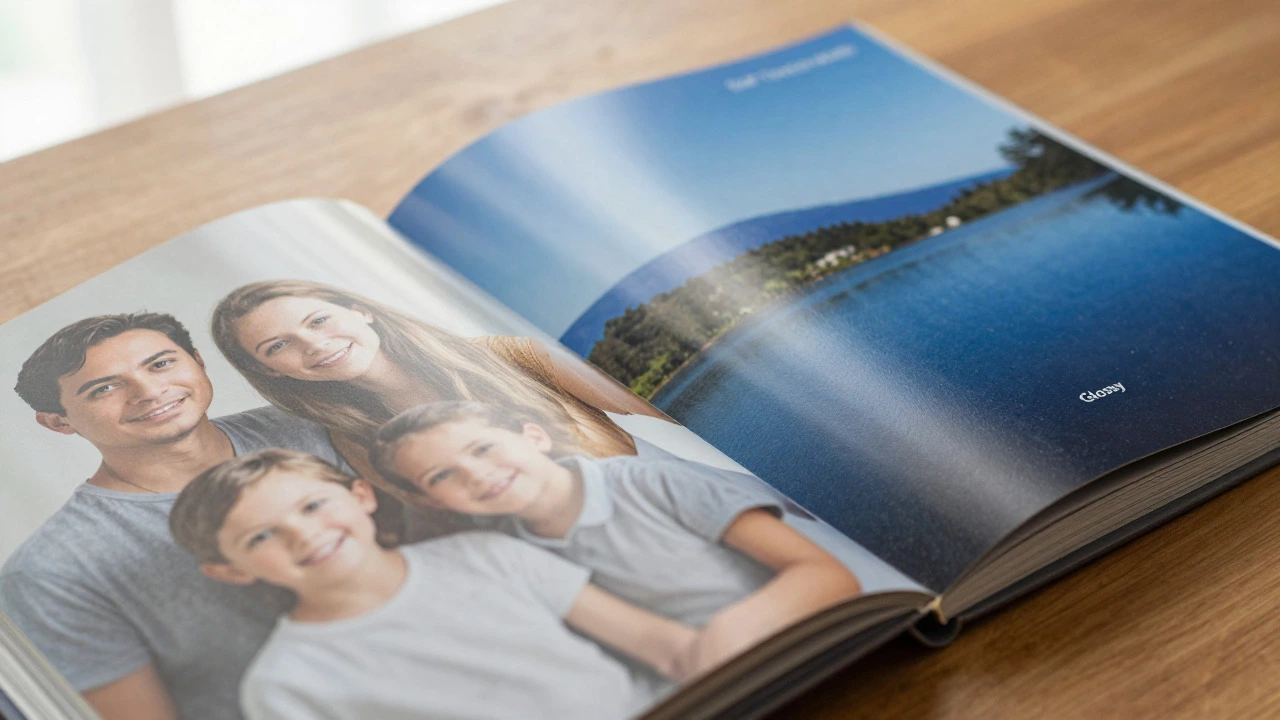
The single most important factor in perceived quality is the paper. If the paper feels cheap, the whole book feels cheap. Mixbook primarily offers two main finishes: Soft Touch Matte is a non-reflective paper finish that provides a modern, velvety feel and reduces fingerprints. and Glossy is a high-shine paper finish that enhances color saturation and contrast for vibrant images..
For most people, especially those printing family portraits, weddings, or travel shots, the Soft Touch Matte is the superior choice. It has a slight texture that feels substantial in the hand. It doesn't show fingerprints, which is a huge plus if you plan to pass the book around at parties. The white point is neutral, meaning skin tones don't look washed out or overly warm.
Glossy paper, on the other hand, makes colors pop. If you are printing landscapes with deep blues and greens, glossy will make them sing. However, it reflects light aggressively. You need good lighting to read the pages without glare. Also, glossy surfaces attract every smudge and fingerprint, requiring careful handling.
In terms of thickness, Mixbook uses a standard photo book weight. It is not cardstock-thick like some high-end archival printers, but it is sturdy enough for regular use. It won't curl easily, and it holds ink well without bleeding through to the back side.
Binding Options: Lay-Flat vs. Standard
How the pages are attached determines how the book opens. This is critical for photos that span across two pages (spreads). Mixbook offers different binding styles depending on the cover type you choose.
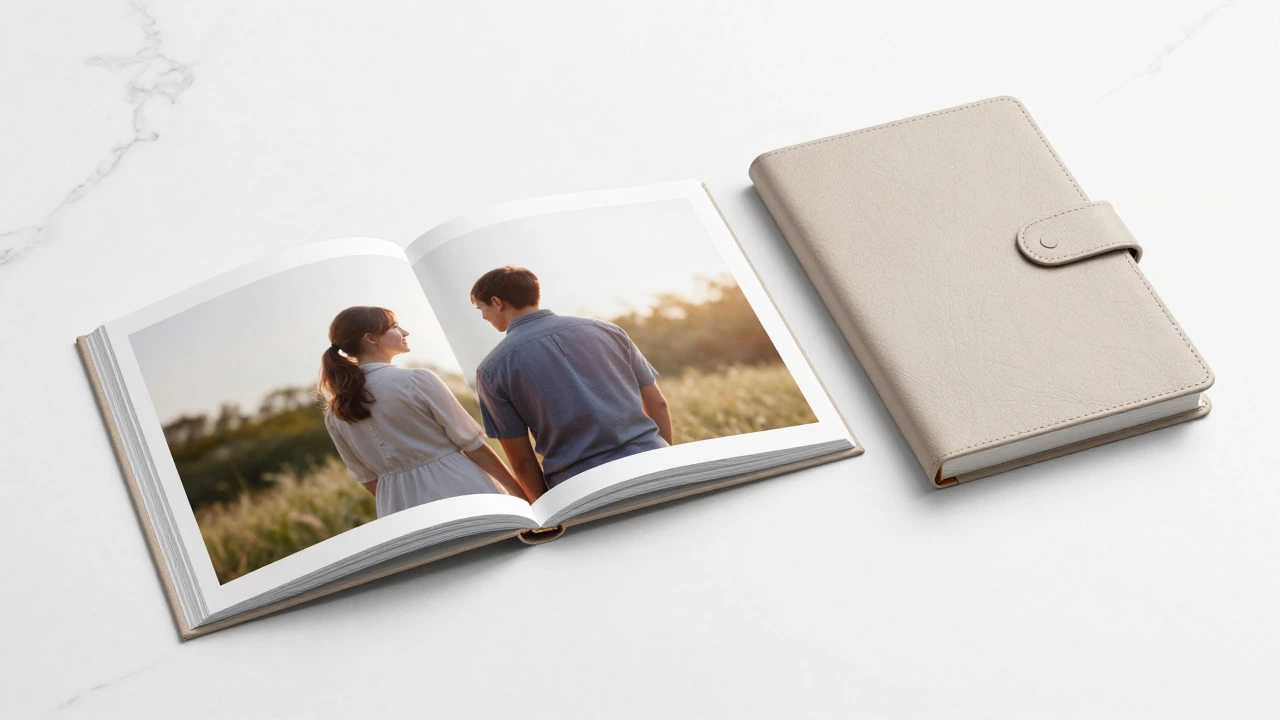
- Lay-Flat Binding: This is the gold standard for photo books. When you open the book, the pages lie completely flat without fighting back. There is no gutter gap in the middle of your image. This is essential for panoramic shots or couples standing close together in the center of a spread.
- Standard Binding: Cheaper options may use a more traditional binding that creates a small curve in the middle. Images placed too close to the spine might get lost in the fold. Always check the template guidelines if you choose this option.
In my experience, Mixbook’s lay-flat binding is reliable. The hinge holds up after dozens of openings. I haven’t seen pages detach or the spine crack under normal household use. For a keepsake that will be opened frequently, lay-flat is worth the extra cost.
Cover Quality: Hardcover vs. Leather-Look
The cover is the first thing people see. Mixbook offers several cover materials, including hardcover with a matte or glossy finish, and faux leather options.
The standard hardcover is wrapped in the same paper as the interior pages. It looks clean and minimalist. The edges are sharp, and the corners are reinforced. It feels solid, not flimsy. If you prefer a classic look, the faux leather covers add a touch of elegance. They have a textured grain that mimics real leather but is easier to clean and more durable against scratches.
One detail to note: the cover image resolution matters. Because the cover is larger than the interior pages, low-resolution images can look pixelated. Mixbook provides clear guidelines for DPI (dots per inch), but it’s easy to miss. Always upload the highest resolution file you have for the cover.
Color Accuracy and Print Fidelity
What you see on your screen is rarely exactly what comes out of the printer. Monitors emit light; paper reflects it. This means blacks are never truly black, and bright whites can appear slightly off-white.
Mixbook generally prints in a standard CMYK color profile. Their calibration is decent for a mass-market producer. Skin tones tend to come out natural, perhaps slightly warmer than on an sRGB monitor. Landscapes retain good contrast. However, highly saturated neon colors may appear muted.
If you are a professional photographer with strict color grading, you might notice slight shifts. For casual users, the difference is negligible. The prints look vibrant and true to life. I recommend doing a test print or ordering a smaller book first if you are unsure about how your specific editing style translates to print.
Comparison with Competitors
To give you context, let’s compare Mixbook with other major players in the photo book space: Shutterfly is a large online photo printing service offering books, calendars, and cards with frequent discounts. and Artifact Uprising is a premium photo book provider known for high-quality materials and minimalist design..
| Feature | Mixbook | Shutterfly | Artifact Uprising |
|---|---|---|---|
| Paper Quality | Good (Soft Touch/Glossy) | Variable (often thinner) | Excellent (Archival grade) |
| Binding | Lay-Flat available | Lay-Flat available | Lay-Flat only |
| Design Tool | User-friendly, flexible | Cluttered, ad-heavy | Minimalist, auto-layout |
| Price Range | $30 - $80 | $25 - $70 | $60 - $150+ |
| Best For | Balanced quality and ease | Budget buyers | Professionals/Heirlooms |
Mixbook sits comfortably in the middle. It offers better paper consistency than Shutterfly’s budget lines and a much more intuitive design interface than Artifact Uprising’s rigid templates. It is not the cheapest, nor is it the most luxurious, but it hits the sweet spot for most consumers.
Design Experience and Ease of Use
Quality isn't just about the physical object; it's also about how easy it is to create. Mixbook’s online editor is one of its strongest features. It allows drag-and-drop functionality, automatic date sorting, and smart cropping suggestions.
You can customize margins, text fonts, and backgrounds extensively. Unlike some competitors that lock you into pre-set templates, Mixbook gives you freedom. This flexibility helps avoid awkward white spaces or cropped faces. The preview mode is accurate, showing you exactly how the book will look, including page numbers and gutters.
However, the tool can be slow if you are uploading hundreds of high-res images. Internet connection speed plays a role here. Also, mobile app support exists but is less robust than the desktop version. For serious projects, stick to the browser-based editor.
Durability and Long-Term Storage
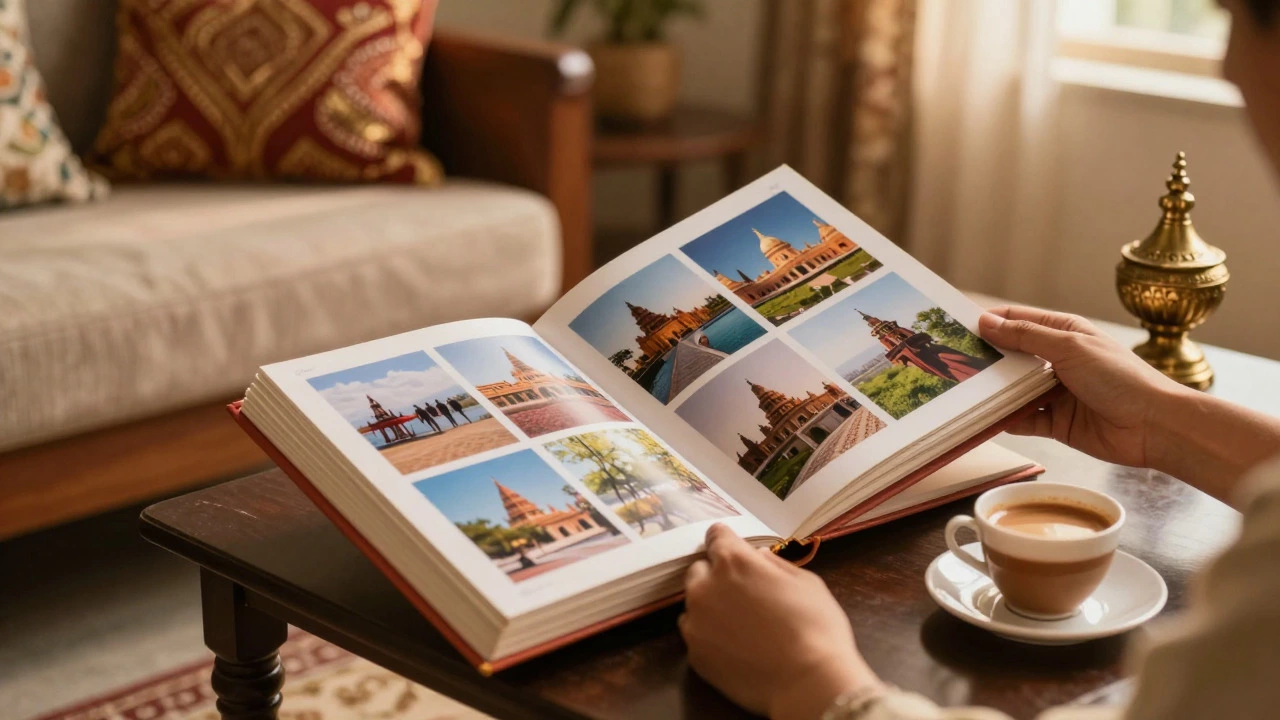
Will your Mixbook last ten years? Twenty? The answer depends on storage conditions. Mixbook uses acid-free paper, which prevents yellowing over time. The inks are pigment-based, offering good resistance to fading compared to dye-based inks.
To maximize longevity, store the book in a cool, dry place away from direct sunlight. UV rays are the enemy of any printed photo. Avoid placing heavy objects on top of closed books to prevent spine stress. With proper care, a Mixbook should remain vibrant and intact for decades.
Common Complaints and Pitfalls
No service is perfect. Here are the most common issues users report:
- Shipping Delays: During peak seasons (Mother’s Day, Christmas), production times can stretch. Order early.
- Image Resolution Warnings: The system warns you if an image is too small, but you can override it. Don’t. Low-res images look blurry in print.
- Text Readability: Small font sizes can become unreadable if the paper texture interacts poorly with thin lines. Stick to bold, legible fonts.
- Customer Service Response Time: Support is email-based and can take a few days to respond. Have your order number ready.
Verdict: Are Mixbook Photo Books Worth It?
Yes, for most people. Mixbook delivers a high-quality product that balances aesthetics, durability, and price. The soft-touch matte paper feels premium, the lay-flat binding works reliably, and the design tool is intuitive. While it may not match the archival perfection of luxury brands like Artifact Uprising, it far exceeds the inconsistent quality of budget options.
If you are looking for a beautiful, tangible way to preserve your memories without breaking the bank, Mixbook is a solid choice. Just remember to upload high-resolution images, choose the right paper finish for your photos, and allow enough time for shipping before special occasions.
Is Mixbook better than Shutterfly?
Generally, yes. Mixbook tends to offer more consistent paper quality and a cleaner design interface. Shutterfly often has lower prices due to aggressive discounting, but the base product quality can vary more between orders. If reliability and ease of use are priorities, Mixbook is usually the preferred choice.
Does Mixbook use archival paper?
Yes, Mixbook uses acid-free, lignin-free paper which meets archival standards for long-term preservation. This means the paper should not yellow or become brittle over time if stored correctly. Combined with pigment-based inks, your photos should remain stable for many years.
Can I edit my Mixbook after ordering?
You can edit your project as long as it hasn't entered the printing queue. Once production starts, changes are difficult or impossible. Check your order status in your account dashboard. If it says "Processing" or "In Production," contact customer support immediately to request a pause or cancellation.
What is the best paper type for family photos?
Soft Touch Matte is recommended for family photos. It reduces glare, hides fingerprints, and provides a natural look for skin tones. Glossy paper can make skin look too shiny and requires careful handling to avoid smudges, making it less practical for books that will be handled frequently by children.
How long does Mixbook shipping take?
Production typically takes 3-5 business days, followed by shipping which adds another 3-7 days depending on your location and selected shipping method. During holiday peaks, production can extend to 1-2 weeks. Expedited shipping options are available for faster delivery.
Do Mixbook photo books lay flat?
Yes, if you select the lay-flat binding option. This ensures that spreads open completely flat without a visible gutter in the center. This is crucial for panoramic images or photos that cross the page break. Standard binding may leave a small gap in the middle.
Is Mixbook expensive?
Mixbook is mid-range priced. Basic books start around $30-$40, while larger, premium options can reach $80-$100. Frequent sales and coupon codes can significantly reduce these costs. Compared to luxury brands, it is affordable; compared to budget giants, it is slightly pricier but offers better consistency.