Best Free Passport Photo Apps: How to Get Visa-Ready Photos for $0
 Jul, 10 2026
Passport Photo Readiness Checker
Photo Compliance Checklist
-
No Patterns
-
Soft Light
-
Eyes Open
-
Remove Them
-
Face Visible
-
Real Look
-
Front Facing
Compliance Score
You need a new passport or visa application ready by tomorrow. The nearest photo booth is closed, and professional studios charge $15 to $25 for two small prints. It feels like a trap, doesn't it? You have a smartphone in your pocket with a camera far superior to those dusty kiosks. So, why pay extra?
The short answer is yes, there are free passport photo apps. But the long answer is more complicated. While you can generate the digital file for free, getting it printed correctly without wasting money on rejected applications requires knowing exactly which tools work and which ones hide fees.
In this guide, we’ll break down the best truly free options, how to avoid the 'free trial' traps, and the specific technical requirements that make a photo acceptable for US, UK, Schengen, and other international visas.
How Free Passport Photo Apps Actually Work
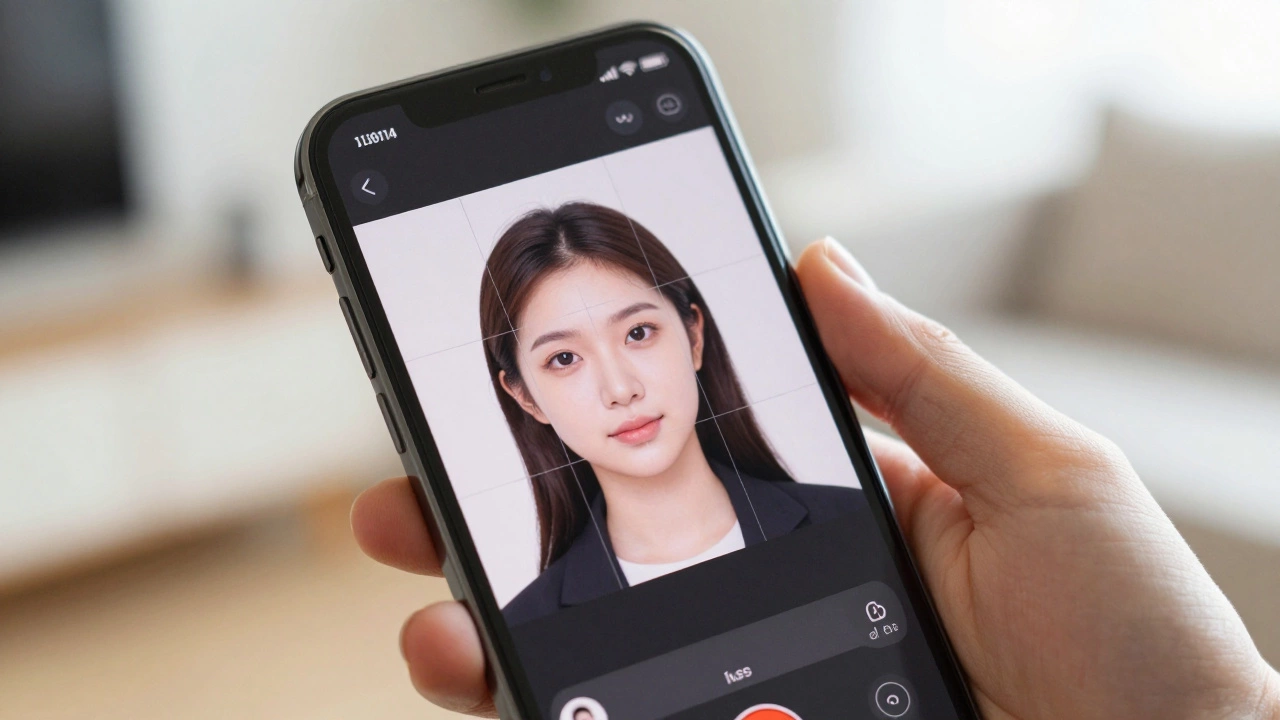
Most people think these apps just crop your picture. They do much more. A valid passport photo has strict rules regarding head size, background color, lighting, and facial expression. If your eyes are too high, or your smile shows teeth, the government agency will reject it.
Free apps use AI to analyze your face. They detect your chin, eyebrows, and eyes to ensure your head fits within the required pixel dimensions. For example, a US passport photo requires the head to be between 1 inch and 1 3/8 inches (25mm to 35mm) from the bottom of the chin to the top of the head. The app calculates this ratio automatically.
Here is the catch: Most 'free' apps let you create the template for free but charge you when you try to download the high-resolution print-ready file. To save money, you need apps that allow free downloads or offer a workaround.
Top Free Passport Photo Apps That Don’t Trick You
Not all apps are created equal. Some are ad-heavy messes; others are legitimate tools. Here are the most reliable options available in 2026 that won’t ask for a credit card before you see results.
| App Name | Platform | Free Download? | Key Feature |
|---|---|---|---|
| Passport Photo Editor | iOS / Android | Yes (with ads) | Supports 140+ countries |
| ID Photo Creator | Android | Yes | Offline mode available |
| VistaCreate (Canva) | Web / Mobile | Yes | Customizable templates |
| PhotoRoom | iOS / Android | Freemium | Best AI background removal |
Passport Photo Editor is arguably the most popular choice. It allows you to take a photo, adjust the background to white or light gray, and crop it to size. The free version includes watermarks or ads, but you can often remove them by watching a short video. This is a fair trade-off compared to paying $5.
ID Photo Creator is excellent for Android users who want an offline solution. It doesn’t require an internet connection after installation, which is great if you’re traveling with poor signal. It supports standard sizes for the US, UK, India, and China.
If you prefer not to install specialized apps, VistaCreate (formerly Canva) offers free passport photo templates. You upload your selfie, place it in the frame, and export as PNG. It’s less automated than dedicated apps, giving you more control over the final look.
The Hidden Cost: Printing Your Photo
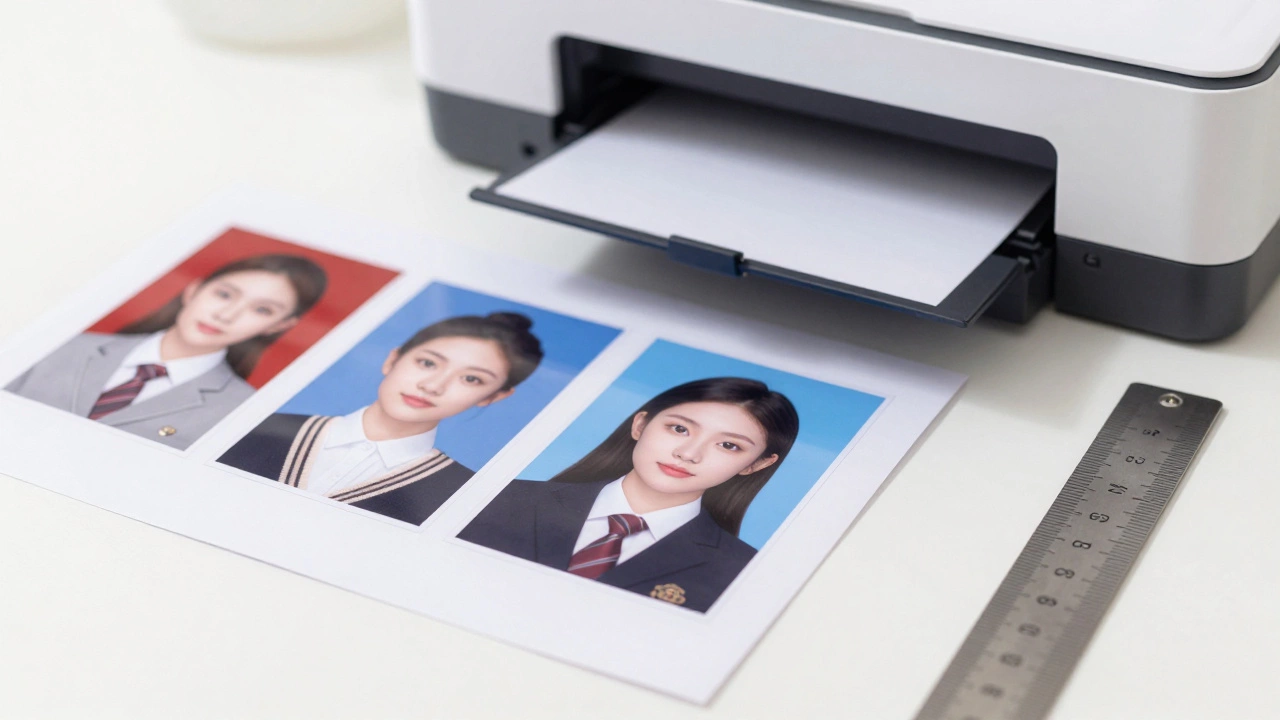
Having the digital file is only half the battle. You need physical prints. Most consulates require glossy paper, specific dimensions (usually 2x2 inches for the US, 35x45mm for Europe), and precise resolution (300 DPI).
Printing at home is risky. Home printers rarely produce true white backgrounds or consistent sizing. A slight skew can cause rejection. However, if you must print at home, follow these steps:
- Use high-quality glossy photo paper.
- Set your printer settings to 'Actual Size' or '100%'-never 'Fit to Page'. Scaling distorts the head size.
- Print a test sheet on regular paper first. Measure the photo with a ruler. If it’s off by even 1mm, adjust the settings.
A better option is using a local pharmacy or convenience store. In the US, stores like CVS, Walgreens, and FedEx Office offer self-service kiosks. You can upload the file from your phone via their app and print for around $0.50 per sheet. This is significantly cheaper than the $15 studio fee.
How to Take a Perfect Passport Photo at Home
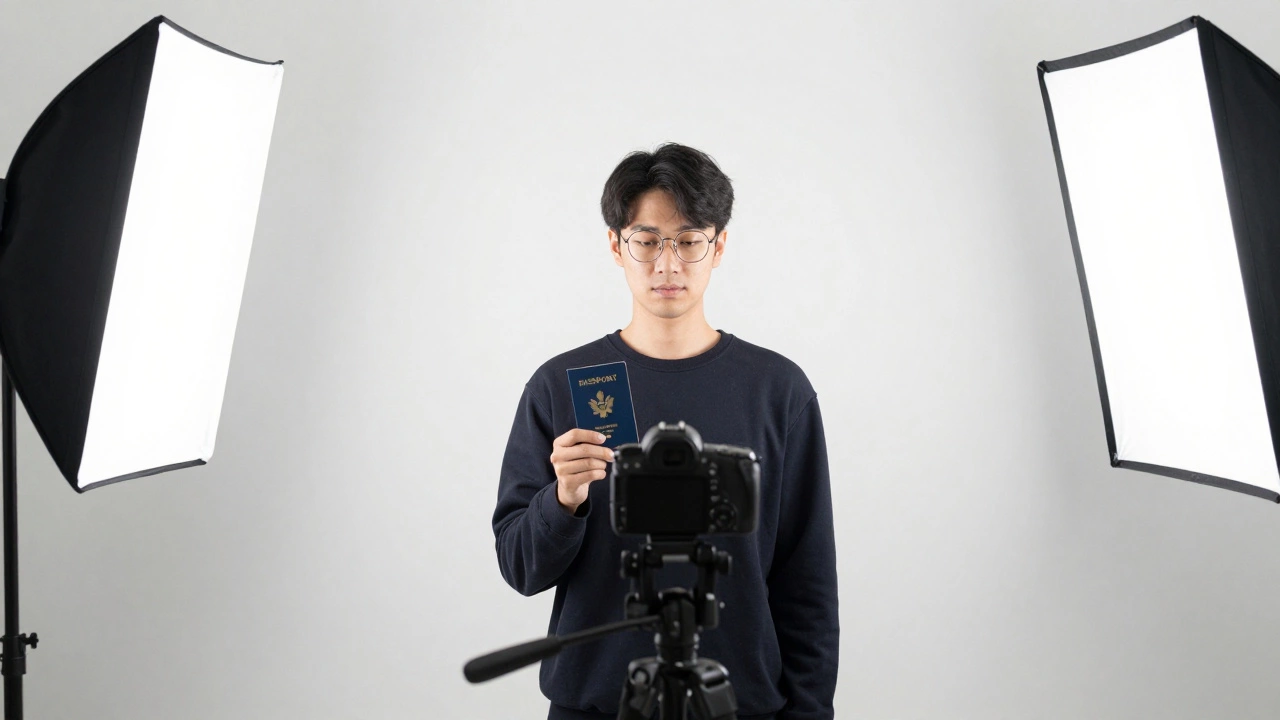
The app can fix cropping, but it cannot fix bad lighting or shadows. Follow this checklist to ensure your raw photo is accepted:
- Background: Stand against a plain white wall. Avoid patterns, furniture, or other people. Natural light helps, but don’t stand directly in front of a window if it casts harsh shadows on your face.
- Lighting: Use soft, even lighting. A lamp on either side of you works well. Ensure there are no shadows behind your head. Shadows indicate uneven lighting, which leads to rejection.
- Expression: Keep a neutral expression. Mouth closed, eyes open. No smiling, frowning, or raising eyebrows. Look directly at the camera lens, not at the screen.
- Attire: Wear everyday clothes. Avoid uniforms or white shirts (they blend into the background). Dark colors contrast well against white backgrounds.
- Glasses: Remove them. Most countries now prohibit glasses in passport photos due to glare issues. Even if allowed, reflections can ruin the shot.
- Hair: Make sure your hair doesn’t cover your eyes or forehead. Ties and clips should be visible if worn for religious reasons.
Hold the phone at eye level. Ask someone else to take the photo, or use a timer. Selfies taken from below distort facial features, making your nose appear larger and your chin smaller.
Common Mistakes That Get Applications Rejected
Even with a free app, errors happen. Here’s what to watch out for:
- Red-eye: Flash photography often causes red-eye. Consulates reject these immediately. Use natural light instead of flash.
- Headwear: Only religious head coverings are allowed, and they must not obscure any part of your face. Fashion hats, beanies, and caps are strictly prohibited.
- Filters: Do not use beauty filters. Apps that smooth skin, enlarge eyes, or change lip color alter your identity. The photo must look like you today.
- Wrong Size: Double-check the country-specific requirements. A US passport photo is 2x2 inches. A UK visa photo is 35x45mm. Using the wrong size is an automatic fail.
When to Pay for Professional Help
While free apps work for most people, some situations warrant spending money. If you have complex lighting conditions at home, or if you’re applying for a high-security visa (like a US Green Card or certain European work permits), consider a professional service.
Professionals guarantee compliance. They know the exact pixel density and color calibration required. If your application is time-sensitive and rejection means missing a flight, the $20 fee is insurance worth paying.
However, for standard renewals or tourist visas, a free app combined with a careful print job is sufficient. Just verify the final image against the official government guidelines before submitting.
Frequently Asked Questions
Are free passport photo apps actually free?
Many apps are 'freemium.' They let you edit for free but charge to download the high-res file. Look for apps that offer ad-supported free downloads, like Passport Photo Editor, or use web-based tools like VistaCreate which allow free exports.
Can I use a selfie for a passport photo?
Technically, yes, if taken correctly. But selfies often have distorted angles. Have someone else take the photo, or use a tripod/timer. Ensure the camera is at eye level and you are looking straight ahead.
What is the best background color for a passport photo?
White is the standard for most countries, including the US, Canada, and many EU nations. Some countries accept light gray or off-white. Always check the specific embassy website for your destination country.
How do I print passport photos at home?
Use glossy photo paper and set your printer to 'Actual Size.' Print a test copy on regular paper first to measure the dimensions. If accurate, print on photo paper. Alternatively, use a kiosk at a pharmacy or office supply store for cheaper, higher-quality prints.
Will my photo be rejected if I wear glasses?
In most cases, yes. The US, UK, and many other countries no longer allow glasses in passport photos due to glare and reflection issues. It is safest to remove them entirely.