Best Photo Book Apps in 2026: Shutterfly, Mixbook, and More Compared
 Jun, 2 2026
Photo Book App Matcher & Estimator
Shutterfly
Best ValueGreat for families, frequent sales, auto-layouts.
Mixbook
Creative ControlModern templates, social integration, flexible layouts.
Artifact Uprising
Premium QualityMinimalist design, archival paper, luxury feel.
Shutterfly
$19.99
Estimated total including standard shipping
Why this fits:
- Best balance of price and features
- Auto-create saves time
- Frequent discounts available
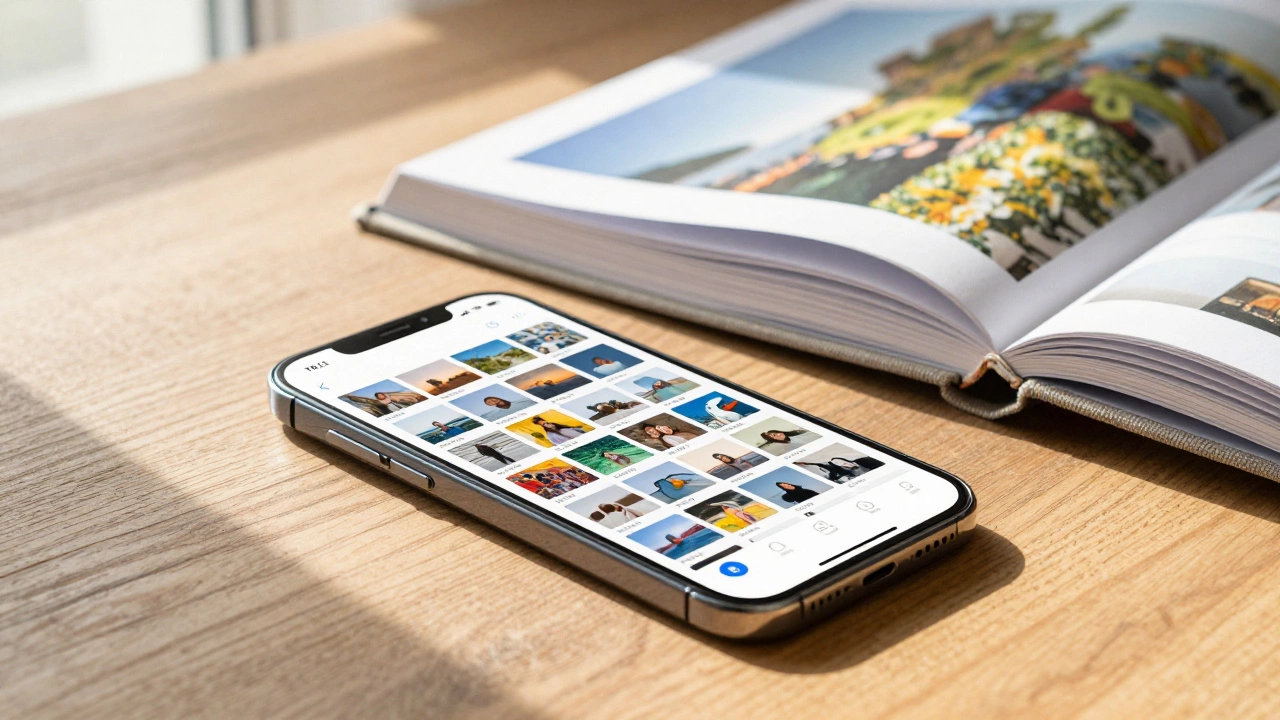
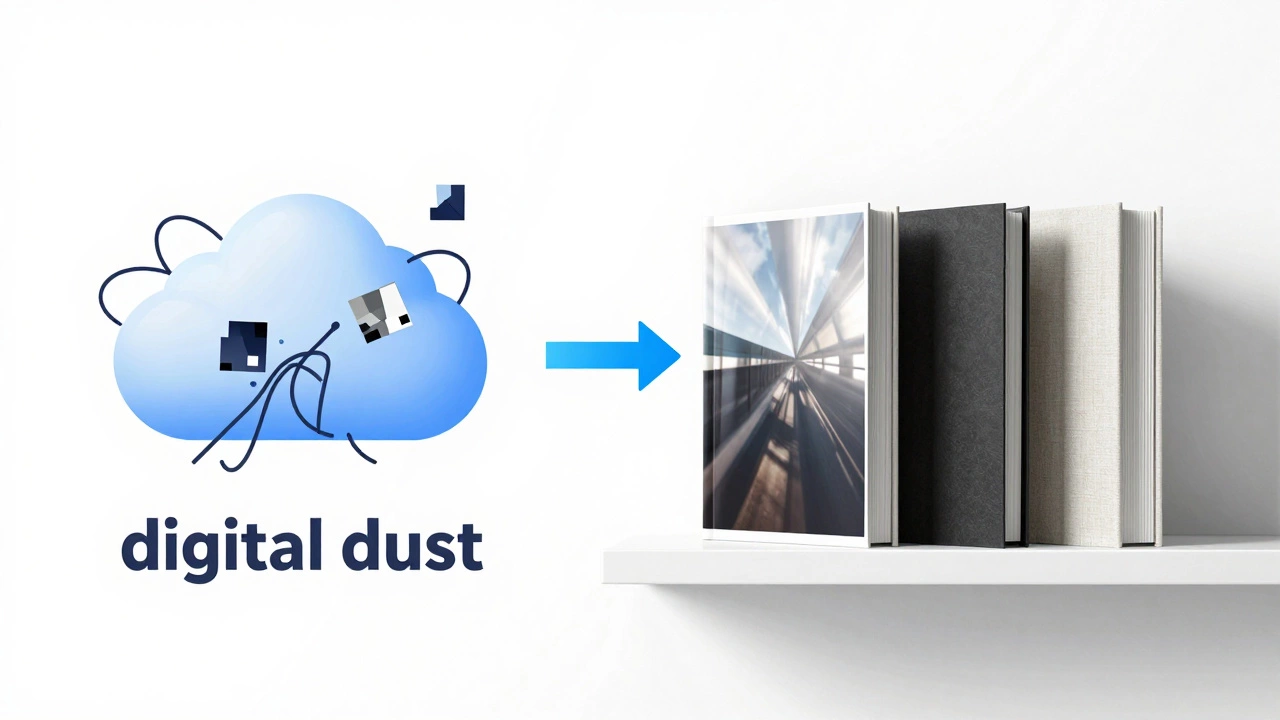
You have thousands of photos sitting in your cloud storage, gathering digital dust. You want to turn those memories into a physical object you can hold, but the idea of designing a layout from scratch feels overwhelming. That is where photo book apps come in. They bridge the gap between your phone gallery and a printed hardcover album.
In 2026, the market is saturated with options. Some prioritize ease of use with AI-driven layouts, while others offer granular control for design enthusiasts. Choosing the right one depends on whether you value speed, customization, or price above all else. Let’s break down the top contenders so you can stop scrolling and start printing.
How to Choose the Right Photo Book App
Before picking a specific brand, you need to understand what matters most to your project. Not all apps are created equal. Here are the four pillars that define a good photo book experience:
- Template Quality: Do the designs look modern and clean, or dated and cluttered? Good templates guide your eye without distracting from the photos.
- Upload Speed & Compression: Does the app crush your image quality when you upload it? High-resolution output requires an app that handles large files efficiently.
- Paper Options: Glossy reflects light but shows fingerprints. Matte offers a premium, artistic feel but can mute vibrant colors. Luster is the safe middle ground.
- Price Transparency: Many apps lure you in with low base prices but add shipping, taxes, and "premium" paper fees at checkout.
If you are a casual user who wants a gift ready in three days, prioritize automation. If you are a photographer building a portfolio, prioritize layout control and color accuracy.
Top Contenders: The Big Three
Three names dominate the conversation in 2026: Shutterfly is a veteran in the photo printing space known for frequent sales and robust mobile editing tools., Mixbook is a competitor that focuses heavily on creative templates and social media integration., and Artifact Uprising is a premium service targeting designers and professionals with minimalist aesthetics.. Each serves a different audience.
| Feature | Shutterfly | Mixbook | Artifact Uprising |
|---|---|---|---|
| Best For | Value seekers & families | Creative layouts & social users | Minimalist design & professionals |
| Starting Price (40-page) | $19.99 (often discounted) | $24.99 | $39.00 |
| AI Layouts | Yes (Auto-Create) | Yes (Smart Templates) | No (Manual only) |
| Paper Types | Glossy, Matte, Luster | Glossy, Matte, Premium Matte | Matte, Silk, Hardcover Linen |
| Mobile App Rating | 4.5 stars | 4.6 stars | 4.7 stars |
Shutterfly: The Reliable Workhorse
Shutterfly has been around since the early 2000s, and its longevity speaks to its reliability. The app is incredibly intuitive. You import photos from your camera roll, Google Photos, or Facebook, and their "Auto-Create" feature generates a draft book in seconds. It’s not perfect-you’ll always need to tweak captions and swap images-but it saves hours of manual dragging and dropping.
The real draw here is the pricing structure. While the list price might seem standard, Shutterfly runs promotions almost weekly. Using a promo code can often drop a 40-page book to under $20, including shipping. This makes it the go-to choice for parents making multiple books for school years or holiday seasons.
However, the design templates can feel slightly generic. If you want something that looks like it was designed by a graphic artist rather than a template engine, you might find yourself fighting the interface. Also, be mindful of the "credit" system for some premium elements; stick to the free assets to keep costs down.
Mixbook: Creative Freedom Meets Social Ease
Mixbook positions itself as the more creative alternative to Shutterfly. Their interface is cleaner, and the templates tend to have more whitespace and modern typography. If you care about how the text looks as much as the photos, Mixbook is a strong contender.
One standout feature is the direct integration with Instagram and Facebook. You can pull entire threads or albums directly into a layout. The app also allows for more granular control over photo cropping and positioning. You aren’t locked into rigid grids as strictly as other platforms.
The downside? Pricing is less flexible. Discounts exist, but they are less frequent and aggressive than Shutterfly’s. A comparable book will usually cost $5-$10 more. Additionally, their customer service response times can vary during peak holiday seasons, which is a risk if you are ordering a last-minute gift.
Artifact Uprising: The Premium Minimalist Choice
If budget is secondary to aesthetics, Artifact Uprising is the leader. Based in Portland, Oregon, they cater to photographers and design-conscious users. There are no flashy stickers, no clip-art hearts, and no auto-generated cheesy quotes. Just your photos, high-quality paper, and elegant binding.
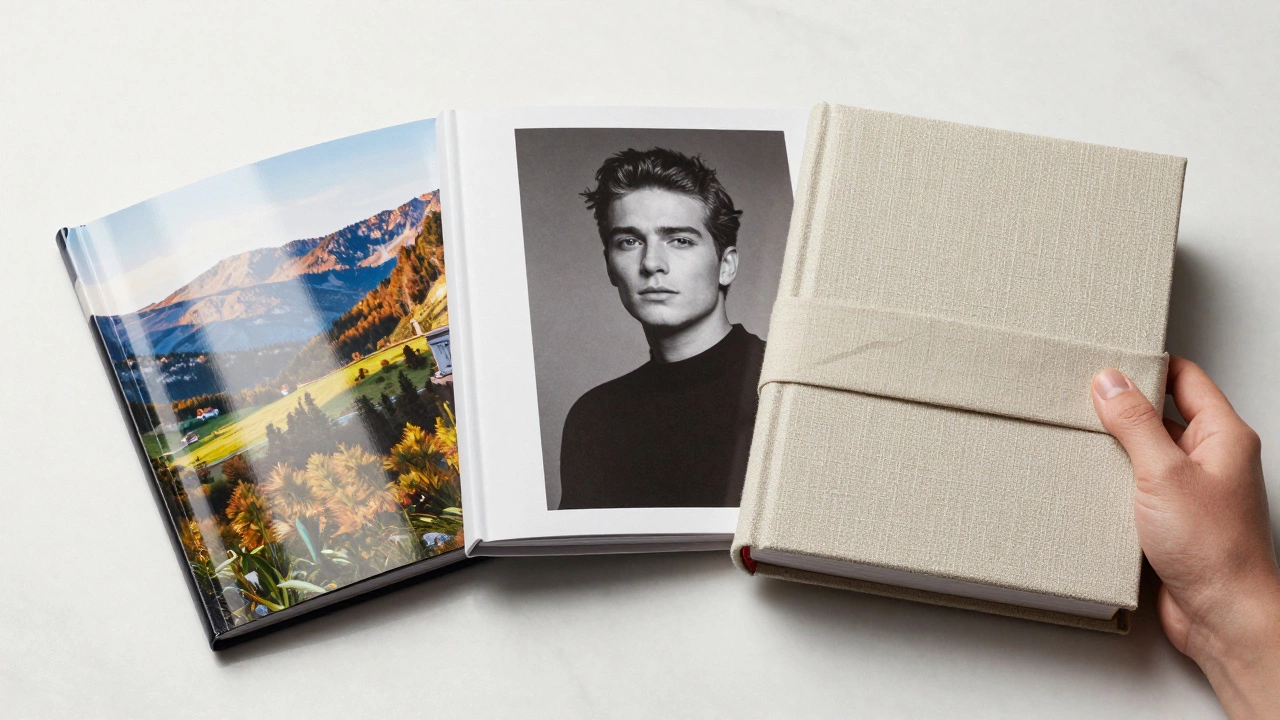
Their app is minimalist by design. You upload photos, choose a simple layout style (grid, collage, or single image), and order. The paper quality is exceptional-thick, textured, and archival-grade. The hardcovers are wrapped in linen, giving them a library-bound feel that cheaper competitors struggle to match.
This comes at a premium. A basic book starts higher, and there are few discounts. But for a wedding album, a professional portfolio, or a family heirloom, the tactile experience justifies the cost. It feels like a product, not a commodity.
Niche Alternatives Worth Considering
Sometimes the big three don’t fit your specific needs. Here are two specialized options gaining traction in 2026.
BloomsyBox for Storytelling
BloomsyBox combines photo books with floral arrangements. It’s primarily a gifting platform, but their photo book app is surprisingly robust. The templates are narrative-driven, encouraging you to write stories alongside your images. It’s ideal for grandparents’ birthdays or anniversary gifts where the presentation matters as much as the content.
Blurb for Photographers
If you are serious about photography, Blurb is the industry standard for self-publishing. Their Booksmart app integrates with Adobe Lightroom and Photoshop. You can export directly from your desktop workflow to the app. The color management is superior because they use professional-grade presses. It’s complex, expensive, and unnecessary for casual users, but unmatched for pros.
Common Pitfalls to Avoid
Even with the best app, mistakes happen. Here is how to ensure your final product doesn’t disappoint.
- Ignore Bleed Areas: If you want a photo to go edge-to-edge, you must extend the image beyond the trim line (usually by 0.125 inches). If you don’t, you’ll get a thin white border. Most apps warn you, but it’s easy to miss.
- Low-Resolution Imports: Social media compresses images. Uploading a JPEG from Instagram directly to a photo book app often results in pixelated prints. Always upload the original file from your phone’s camera roll or computer.
- Text Over Busy Backgrounds: Placing white text over a detailed landscape photo makes it unreadable. Use semi-transparent overlays or solid color blocks behind your text.
- Skipping the Proof: Never skip the digital proof step. Check every page for typos, upside-down photos, or awkward cropping. Once it’s printed, errors are permanent.
Cost Breakdown: What Should You Expect?
Pricing varies wildly based on page count, size, and paper type. Here is a realistic estimate for a standard 8x11 inch, 40-page photo book in 2026:
- Budget Option (Shutterfly/Mixbook on sale): $15-$25
- Standard Option (Mixbook/Shutterfly regular price): $30-$45
- Premium Option (Artifact Uprising/Blurb): $50-$80+
Remember to factor in shipping. Many services offer free shipping over a certain threshold (e.g., $49). If you are buying multiple books or adding prints, bundle your order to save on delivery fees.
Final Thoughts on Creating Your Legacy
The "best" app is the one you will actually finish using. Shutterfly wins on convenience and price, making it the easiest barrier to entry. Mixbook offers a better balance of creativity and usability. Artifact Uprising delivers a luxury product for those who view their photos as art.
Don’t let perfectionism stop you. Start with a small book. Test the paper quality. See how the colors translate from screen to print. Once you hold that first book in your hands, you’ll likely become addicted to the process. Your digital memories deserve a physical home.
Which photo book app is best for beginners?
Shutterfly is generally considered the best for beginners due to its "Auto-Create" feature, which automatically arranges your photos into a coherent layout. The interface is intuitive, and the frequent sales make it affordable for trial runs.
Can I edit photos directly within these apps?
Yes, most major apps like Shutterfly, Mixbook, and Artifact Uprising include basic editing tools. You can crop, rotate, adjust brightness/contrast, and apply filters. However, for advanced edits, it is recommended to use dedicated software like Adobe Lightroom or Snapseed before uploading.
What is the difference between glossy and matte paper?
Glossy paper has a shiny finish that enhances color vibrancy and contrast, making it great for landscapes and colorful snapshots. However, it shows fingerprints easily. Matte paper has a non-reflective, smooth finish that reduces glare and hides fingerprints, offering a more sophisticated, artistic look. Luster is a hybrid option with slight texture and reduced shine.
How long does it take to receive a photo book?
Production time typically takes 3-5 business days. Shipping adds another 3-7 business days depending on your location and selected shipping method. During peak seasons like Christmas or Mother’s Day, production delays can occur, so order at least 3-4 weeks in advance.
Is it worth paying extra for premium paper?
For occasional books, standard glossy or matte paper is sufficient. However, if you are creating a keepsake, wedding album, or professional portfolio, premium paper (like Artifact Uprising’s silk or Blurb’s pearlescent) significantly improves durability and visual appeal. The thicker stock prevents show-through from the back of the page and feels more luxurious.
Can I reorder a photo book if I lose it?
Most online photo book services store your project files in your account for several years. This means you can log in, access your old design, and place a reprint order instantly. Keep your account credentials safe, as losing access may mean losing your digital designs.
Do these apps work offline?
Most photo book apps require an internet connection to upload high-resolution images and process orders. Some, like the Blurb Booksmart app, allow for limited offline editing of layouts, but you will need connectivity to finalize and purchase the book.
What file formats do photo book apps accept?
The standard accepted formats are JPEG and PNG. Some professional-oriented apps like Blurb also accept TIFF and PSD files. JPEG is the most common and compatible format for consumer cameras and smartphones.