Can I Use UPS for Printer? Essential Facts About Power Backup for Printers
 Mar, 20 2026
UPS Printer Compatibility Calculator
Check if your UPS can safely power your printer
Enter your printer's power specifications and UPS capacity to see if it's compatible. Most home UPS units can't handle printer startup surges.
Ever lost a big print job because the power went out? It’s not just frustrating-it can cost you time, money, and even a deadline. If you’re wondering whether a UPS (Uninterruptible Power Supply) can protect your printer, the answer is yes… but with big caveats. Not all UPS units work well with printers, and using the wrong one can damage your equipment or waste money. Let’s cut through the confusion and give you straight facts based on real-world use, not marketing hype.
Why Printers Are Hard on UPS Systems
Printers, especially laser models, are one of the worst devices you can plug into a UPS. Why? Because they draw a huge surge of power when they warm up. A typical laser printer can pull 800 to 1,200 watts for just a second or two when it first turns on. That’s more than a small microwave. Most consumer-grade UPS units can’t handle that spike without shutting down or overloading.
Think of it like this: your UPS is designed to give your computer a few minutes of backup power so you can save your work and shut down safely. But a printer doesn’t just need power-it needs a sudden, heavy burst of energy to melt toner onto paper. That’s a shock the UPS wasn’t built to handle.
Even inkjet printers, which use less power, can still cause issues. They often have high startup currents too, especially when cleaning the print heads or warming up after being idle. If your UPS can’t ride through these spikes, it’ll either shut off or start beeping like crazy-making the problem worse than having no backup at all.
What Kind of UPS Works With Printers?
If you absolutely need a UPS for your printer, you need one designed for heavy loads. Look for these features:
- High surge capacity-at least 1,500VA or higher
- Line-interactive or online double-conversion topology
- Smart outlets that let you control which devices get battery backup
- Compatibility list from the manufacturer
Brands like APC, Eaton, and CyberPower make models specifically rated for laser printers. For example, the APC Back-UPS Pro 1500 is a 1500VA line-interactive UPS with AVR (Automatic Voltage Regulation) and a surge capacity rated for laser printers. It’s used in offices across the UK and comes with software to manage shutdowns safely.
Don’t rely on cheap 500VA or 700VA units sold as "home office" models. They’re meant for laptops, monitors, and routers-not printers. Even if the printer turns on, the UPS may shut down mid-print, leaving you with a half-printed document and a fried battery.
How to Connect a Printer to a UPS (The Right Way)
If you’ve got a UPS that can handle the load, here’s how to do it safely:
- Check the printer’s power rating. Look on the back or in the manual-it should say "Input: 100-240V, 5-8A" or similar. Multiply volts by amps to get watts. If it’s over 800W, you need a high-capacity UPS.
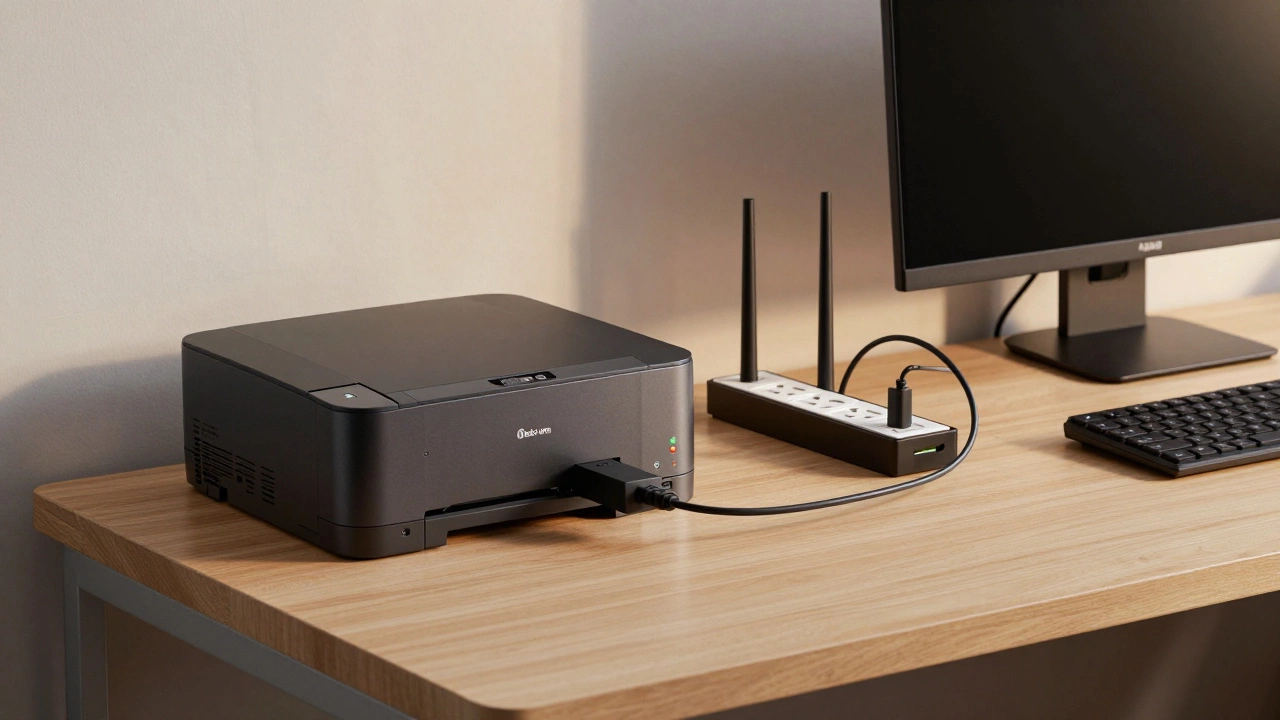
- Plug the printer into a surge-protected outlet on the UPS, not a battery-backed one. Many UPS units have both types. Use the battery-backed outlets only for computers and routers.
- Never plug a printer and computer into the same battery circuit. The printer’s startup surge can overload the UPS and cut power to your computer mid-task.
- Test it. Turn on the printer while the UPS is running on battery (unplug the wall cord). If the UPS shuts off, it’s too weak. Try a different model.
Pro tip: If your printer is on a shared circuit with other devices, consider giving it its own outlet. That way, a printer surge won’t knock out your entire workstation.
Alternatives to Using a UPS for Your Printer
Here’s the truth: most home users don’t need a UPS for their printer at all. You’re better off with these alternatives:
- Use a surge protector only-this protects against voltage spikes from lightning or faulty wiring. It’s cheap, effective, and doesn’t interfere with printer operation.
- Print during daylight hours-if you know your area has frequent outages, schedule big jobs for times when power is most stable.
- Use a local print shop-if you need urgent prints, services like Printful or local print-on-demand shops in Birmingham offer same-day turnaround. No risk to your equipment.
- Upgrade to a low-power printer-some newer inkjet models use under 30 watts during operation and have near-zero startup surge. Look for ENERGY STAR-certified printers.
For most people, a good surge protector is enough. The UPS is better saved for your computer, router, and modem-the devices that actually lose data when the power cuts.
What Happens If You Plug a Printer Into a Weak UPS?
Using the wrong UPS doesn’t just fail-it can break things. Here’s what typically goes wrong:
- The UPS shuts down mid-print, corrupting your print job and sometimes jamming the paper feed.
- The battery drains rapidly, reducing its lifespan by up to 50% after just a few cycles.
- The inverter overheats and fails, requiring a costly repair or full replacement.
- The printer’s internal power supply gets damaged by unstable voltage from a struggling UPS.
A study by the UK’s Electrical Safety First found that 17% of printer-related power failures in home offices were caused by undersized UPS units. The damage wasn’t always obvious-some printers kept working but started printing faintly or smudging ink months later.
Bottom line: if your UPS starts beeping every time you turn on the printer, unplug it immediately. That’s not a warning-it’s a cry for help from your equipment.
Real-World Example: A Birmingham Home Office
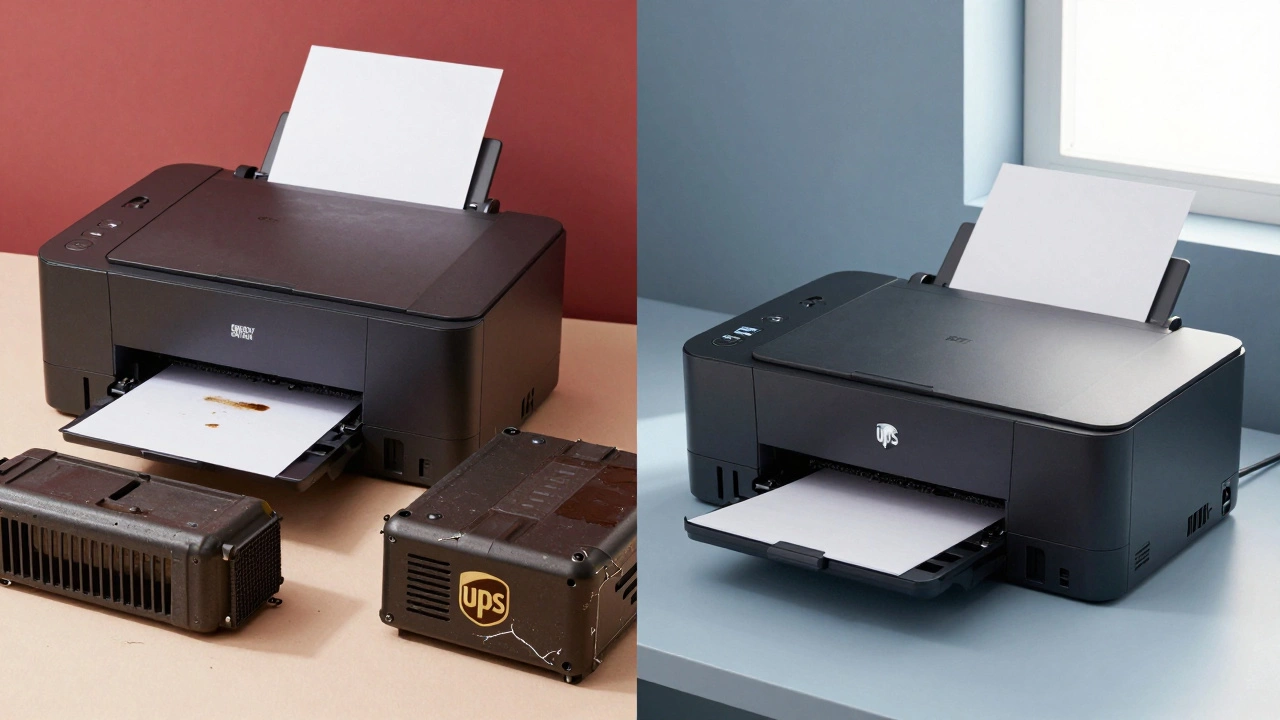
One user in Birmingham tried to use a 700VA UPS for a Brother laser printer. The printer worked fine on battery for 20 seconds, then shut off. The UPS battery degraded within three months. They switched to a 1500VA APC unit, plugged the printer into the surge-only outlets, and kept their computer on battery. Now, even during local grid outages, their home office stays online without a single failed print.
The key? Separating the load. The printer got surge protection. The computer got true backup. That’s the smart way.
Final Verdict: Should You Use a UPS for Your Printer?
Yes-if you have a high-end UPS with enough capacity and you use it correctly. But for 9 out of 10 users, the answer is no.
You’re better off spending £20 on a quality surge protector and keeping your printer on a dedicated circuit. Save your UPS budget for your computer, network gear, and maybe a small monitor. Printers are power hogs. They’re not meant to run on backup batteries. Trying to make them do so is like trying to power a car with a flashlight battery.
If you’re printing critical documents, use a local print service. If you’re printing daily, upgrade to a low-surge inkjet. Either way, don’t risk your UPS-or your printer-on a bad guess.
Can I plug my laser printer into any UPS?
No. Most consumer UPS units can’t handle the high startup surge of laser printers, which can exceed 1,000 watts. Using a weak UPS can overload the unit, damage the battery, or even fry your printer’s power supply. Only use UPS models explicitly rated for laser printers, like the APC Back-UPS Pro 1500 or similar high-capacity units.
Will a UPS protect my printer from power surges?
A UPS does include surge protection, but it’s not the best tool for this job. For surge protection alone, a dedicated surge protector is cheaper, more reliable, and doesn’t interfere with your printer’s operation. Save the UPS battery for devices that need runtime during outages, like your computer or router.
What’s the best UPS for a home printer?
For most home users, the best choice is not to use a UPS at all. But if you must, go with a 1500VA or higher line-interactive UPS like the APC Back-UPS Pro 1500. Plug the printer into the surge-only outlets, not the battery-backed ones. Never connect a printer and computer to the same battery circuit.
Do inkjet printers need a UPS?
Inkjet printers use much less power than laser printers and have lower startup surges. Most don’t need a UPS. A surge protector is enough. Only consider a UPS if you print large, time-sensitive jobs during frequent power outages-and even then, plug it into the surge-only side of the UPS.
How long will a UPS last when powering a printer?
Almost zero. Printers draw so much power on startup that even a 1500VA UPS will drain its battery in under 30 seconds if the printer is running. UPS units aren’t designed to power devices that draw heavy, continuous loads. Their purpose is to give you time to shut down computers-not to finish printing a 20-page document.