How Many Signed Photos Do You Need for a Passport?
 Jan, 6 2026
UK Passport Photo Checker
Photo Requirements Checklist
Check all requirements below to ensure your photo meets UK government standards:
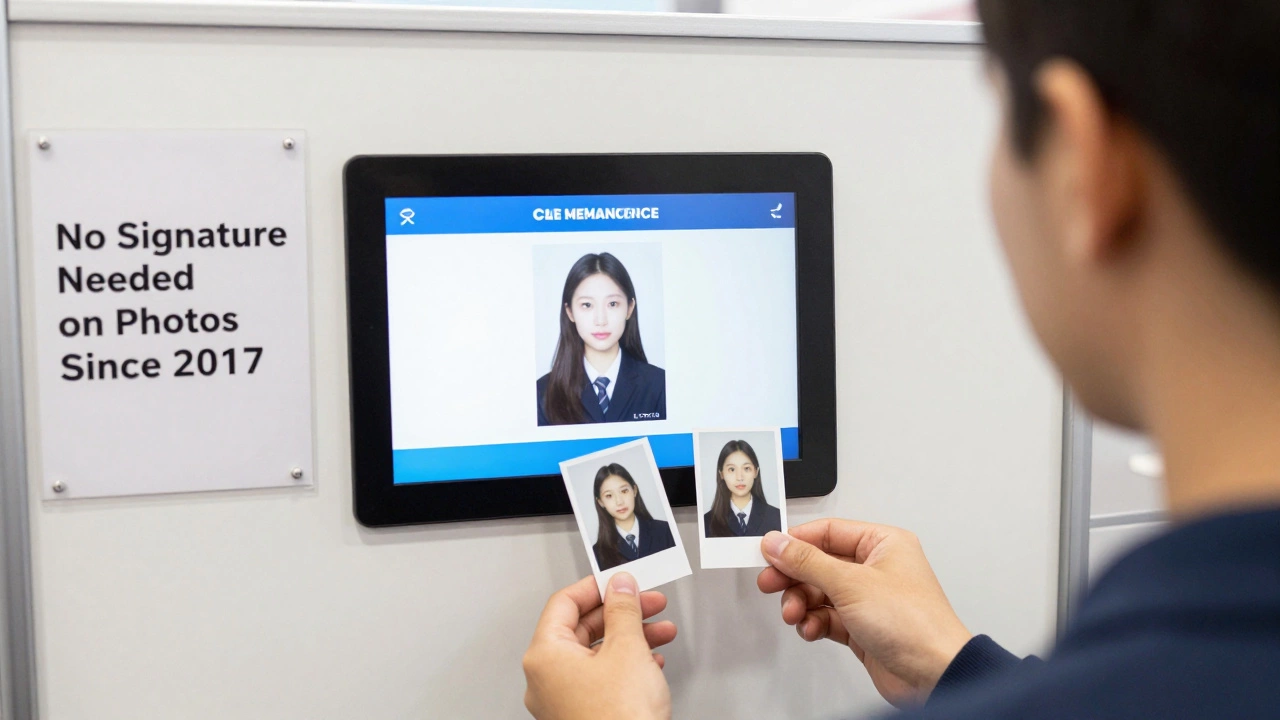
When you’re applying for a UK passport, you might hear conflicting advice about whether you need signed photos. The short answer: you don’t need signed photos at all-not anymore. The requirement for a countersignatory to sign your passport photo was removed in 2017. Today, all you need is a photo that meets the official UK government standards.
Why the confusion about signed photos?
For decades, UK passport applications required a countersignatory-a responsible adult who knew you personally-to sign the back of one of your photos. Their signature was meant to confirm your identity and that the photo was a true likeness. This was common in many countries, including the US and Canada, and people still carry that habit into their applications.
But in 2017, the UK Home Office simplified the process. They moved to a digital verification system. Instead of relying on a handwritten signature, they now use facial recognition technology and cross-check your details against government databases like the electoral roll and HMRC records. The countersignatory rule was scrapped because it was outdated, inconsistent, and prone to fraud.
What you actually need for a UK passport photo
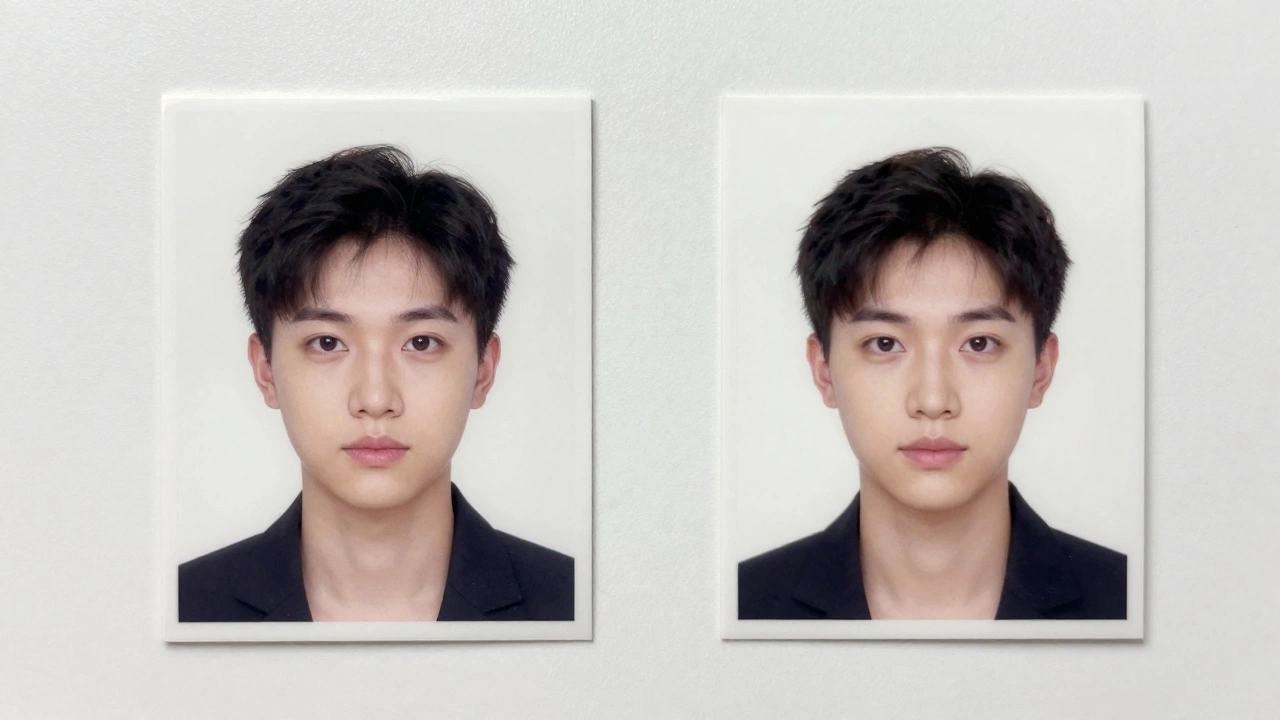
You need two identical, colour photos that meet strict size and quality rules. Here’s what matters:
- Size: 35mm wide by 45mm high
- Resolution: At least 600 x 750 pixels
- Background: Plain, light-coloured (no patterns, shadows, or busy designs)
- Face: Fully visible, facing forward, eyes open and looking at the camera
- Expression: Neutral, no smiling or frowning
- Head position: Centered, with space above the head (about 10mm from top of photo to top of hair)
- Lighting: Even, no glare on glasses or shiny skin
- Glasses: Allowed only if you wear them daily-no reflections, no tinted lenses
- Headwear: Only for religious or medical reasons, and must not obscure your face
These rules are the same whether you’re applying for your first passport, renewing, or replacing a lost one. The photo must be printed on high-quality photo paper, not just any printer paper. If you print it on glossy paper at home, make sure the ink doesn’t smudge or fade.
Can you use a photo taken on your phone?
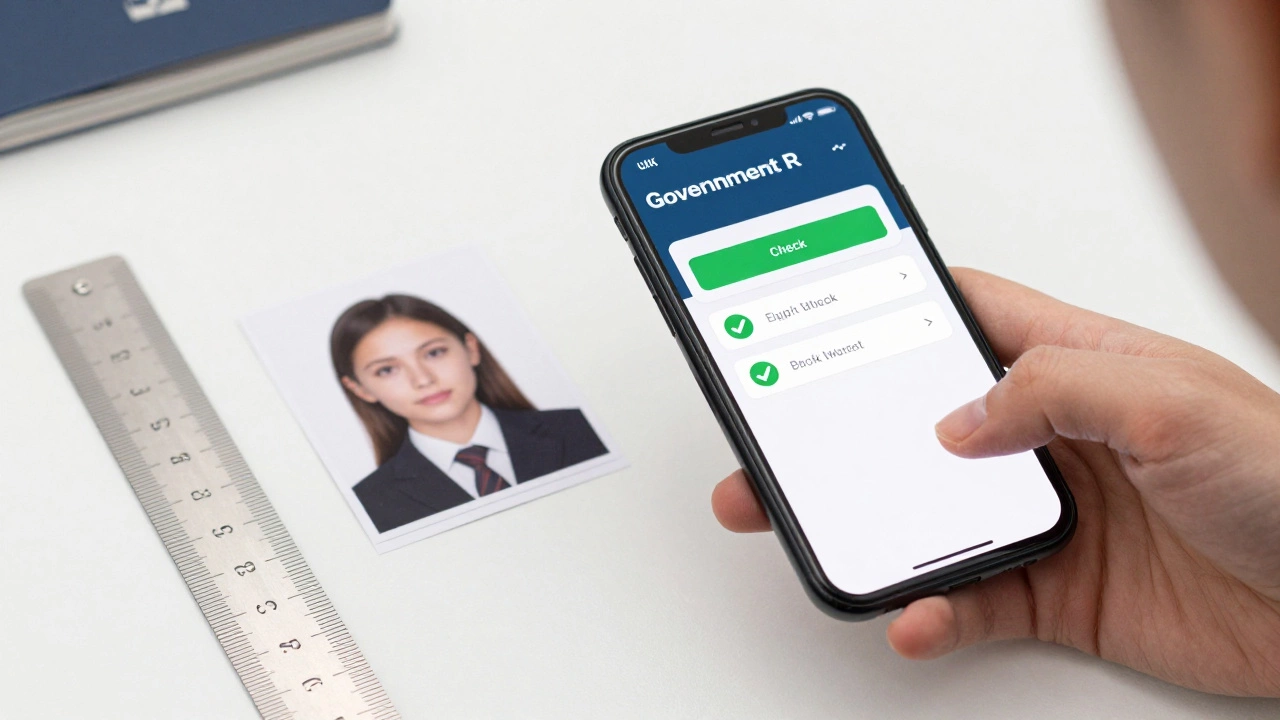
Yes, absolutely. Millions of people now use their smartphones to take passport photos. Apps like the official UK government-approved Passport Photo Online or Passport Photo Maker help you crop, adjust lighting, and check compliance before printing. These apps are designed to flag errors before you submit-like a shadow behind your head or your chin being cut off.
But here’s the catch: just because your phone photo looks good on screen doesn’t mean it’ll pass. The photo must be printed at the correct size and quality. A 1080p photo taken in good light can work fine, but if you zoom in and see pixelation around your eyes or blurred edges, it’s likely to be rejected. Stick to 300 DPI when printing.
What happens if your photo doesn’t meet the rules?
Over 30% of UK passport applications are delayed because of photo issues, according to Home Office data from 2025. Rejected photos are the #1 reason for processing delays-not missing forms or incorrect signatures.
If your photo is rejected, you’ll get a letter from HM Passport Office asking you to resubmit. You won’t get your application back automatically-you’ll have to pay again to reapply unless you’re within the 3-month window for free resubmission after initial rejection. That’s why it’s worth spending 10 minutes checking the rules before you print.
Where to get compliant photos
You have three options:
- Take them yourself: Use a plain white wall, natural daylight, and a tripod. Avoid flash. Use a photo app to check compliance.
- Use a photo booth: Many supermarkets and pharmacies (like Boots or Sainsbury’s) have passport photo booths. They’re reliable, cost around £7-£10, and print to spec.
- Visit a professional photographer: Some photo studios specialize in passport photos. They know the rules inside out. Expect to pay £15-£25, but you’ll get printed copies and digital files.
Don’t use photo labs that print standard 6x4 inch photos and cut them down. The dimensions must be exact. Even a 1mm error can cause rejection.
What about countersignatories now?
Even though signatures on photos are gone, you still need a countersignatory for certain applications-like first-time adult passports or if you’ve changed your appearance significantly (e.g., major weight loss, facial surgery, or gender transition).
The countersignatory must:
- Have known you for at least two years
- Be a professional person (e.g., doctor, teacher, lawyer, bank manager, MP, or someone with a UK passport who works in a recognized profession)
- Not be related to you by blood or marriage
- Sign your application form (not your photo)
- Print their name, job title, and contact details next to their signature
They don’t need to sign your photo. They sign the form. The photo stays unsigned.
Common mistakes people still make
Even in 2026, these errors keep popping up:
- Wearing a hat or headscarf that covers the hairline
- Smiling or showing teeth
- Photo taken with a phone flash, creating red-eye or glare
- Background is beige, cream, or has a faint pattern
- Photo is too dark or too bright
- Using a selfie taken at arm’s length-too close, distorted face
- Printing on matte paper instead of photo paper
If you’re unsure, use the UK government’s online photo checker (linked in the application portal). It’s free, quick, and tells you exactly what’s wrong.
Final checklist before you send your application
Before you mail your passport application, do this:
- Confirm you have two identical, colour photos
- Check the size: 35mm x 45mm
- Verify the background is plain white or light grey
- Make sure your face is clearly visible, centered, and neutral
- Ensure no shadows, reflections, or edits (like filters or blemish removal)
- Print on high-quality photo paper
- Don’t sign the photos
- Have your countersignatory sign the application form (if required)
If you follow this, your application won’t get stuck because of your photo. And you won’t waste weeks waiting for a rejection letter.