How to Make a Passport Photo Online for Free: A Complete Guide
 Mar, 31 2026
You don't have to overpay for a simple piece of paper. We've all been there: you rush to the shop, hand over cash, and hope they get the sizing right. It is frustrating when the machine spits out a blurry photo that the government rejects anyway. The good news is that modern smartphones and free online tools make creating a compliant biometric photo entirely possible at home.
I often ask my friends why they still pay for studio shots when their phones take better pictures than old-school cameras. The technology has caught up with the requirements. However, the problem isn't taking the picture; it's formatting it correctly according to strict government rules. If your head is too big or the background has a shadow, your application gets delayed.
Understanding the Official Standards
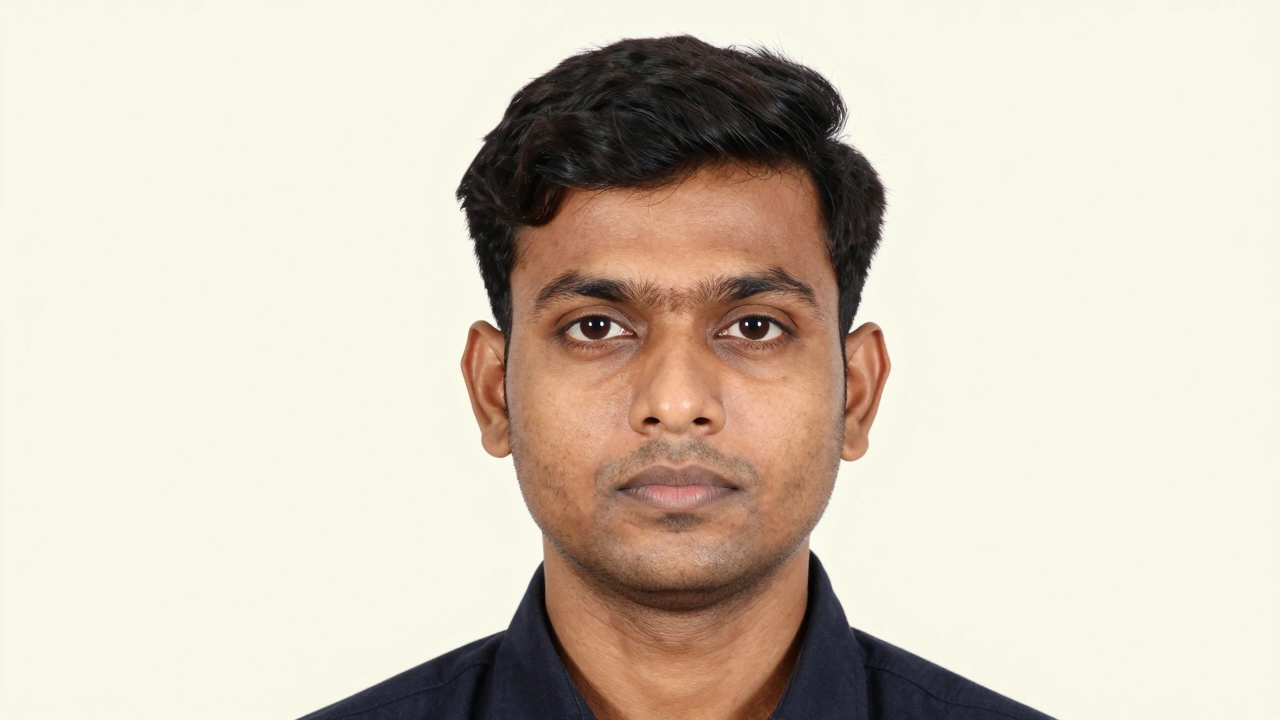
Before you open any app, you need to know exactly what the authorities require. The UK Passport Standardis a set of strict biometric guidelines defined by the Home Office for identity verification serves as a great example because many other countries use similar metrics. For a standard UK passport, the finished image must be 45mm wide by 35mm high. Your head, measured from the bottom of the chin to the top of the head, needs to fall between 31mm and 36mm.
If you ignore these measurements, the automated scanning software at the processing center will flag your photo. The background color matters immensely too. Most governments, including the United Kingdom, require an off-white or cream-colored background. They absolutely forbid colored backgrounds, patterns, or furniture behind you. You cannot rely on "white" walls that look grey in shadow; the brightness level needs to be consistent across the entire face.
| Feature | SPECIFICATION |
|---|---|
| Photo Size | 45mm x 35mm |
| Head Size | 31mm to 36mm (Chin to Crown) |
| Background | Plain off-white or cream, no shadows |
| Expression | Neutral expression, mouth closed, eyes open |
Setting Up Your Shooting Space
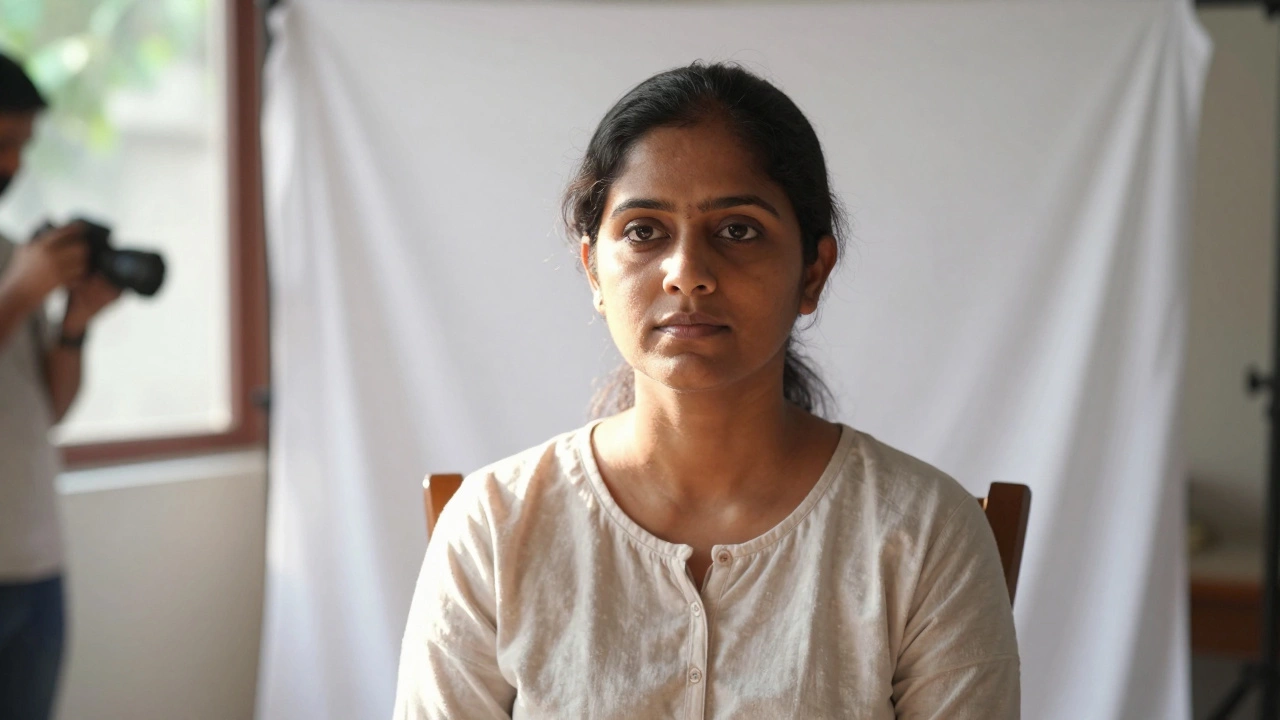
The biggest reason home photos fail is poor lighting. You cannot simply snap a selfie in the dark. Natural light is your best friend here. Find a wall in your house that is painted a very light color or place a sheet of white cardboard flat against the wall to create a seamless backdrop. Ensure there is nothing hanging on that section of the wall-not even a power outlet switch visible in the frame.
Position a window close to the wall. Do not use the direct sunlight streaming through the window because it casts harsh shadows on your face, causing deep lines around your eyes and nose. Instead, sit so that the light diffuses softly onto you. The light source should hit your face directly, not come from above or behind you, which causes the silhouette effect.
Asking someone else to take the photo is crucial. Holding the phone yourself changes your arm angle, tilts your head, and creates awkward perspective distortion. Ask a friend to stand back at least two meters away and zoom in slightly. This ensures the facial features remain proportional. If you zoom digitally on your phone, watch out for quality loss; physical zoom is preferred.
Taking the Perfect Raw Shot
When getting ready for the shot, remove sunglasses and heavy hats. Even normal eyeglasses are risky in many jurisdictions due to reflections, so try taking them off unless you have a medical exemption. Pull long hair back so the ears are visible and the jawline is clear. Your eyes must look directly at the lens. If you are looking down at your screen to check the preview, your eyes will appear lowered in the final photo.
In terms of clothing, wear something contrasting with the background. If the wall is white, do not wear a white shirt, or you will blend into the background. A darker t-shirt works well here. Smile? Not really. Most official ID documents require a neutral expression. Keep your mouth closed and look straight ahead. Take several shots quickly to capture the split second where your blink happens naturally or your posture is perfectly upright.
Using Online Tools to Resize and Edit
Once you have a decent raw image, you need to convert it into a compliant format. This is where free online services shine. While some photographers charge per photo, several websites now offer basic cropping and resizing for free. You upload your image, and their software automatically frames your head, removes the background, and replaces it with a compliant off-white tone.
Smart Background Removers use Artificial Intelligence to detect human skin tones and separate them from the environment instantly. Tools like iPhoto or specialized web-based editors allow you to drag boundaries until your head fits the correct measurement zone. However, be cautious. Some free tools leave a watermark on the corner. You need to find one that offers a downloadable version without branding.If you prefer more control, apps with manual adjustment sliders work better. Look for a setting labeled 'Passport Mode' or 'ID Photo.' These presets lock in the pixel density required for laser printers (usually 300 DPI). High definition is key here. If the image looks grainy or pixelated after shrinking it, the rejection robot will catch it immediately.
Here is a practical workflow to ensure success:
- Upload your highest quality raw photo.
- Select the country target (e.g., United Kingdom).
- Verify the head height percentage visually (some tools show this in pixels, others hide it).
- Check that the background removal didn't cut off your hair strands.
- Download the file named for digital submission.
Handling Shadows and Edges
A common mistake with automatic tools is that the AI cuts the edges too tightly. It thinks your shadow on the wall is part of you. Before finalizing, zoom in 200% and inspect the rim of your hair. There should be a thin gap between your profile and the new background color. If the tool merges them, it creates a halo effect that looks suspicious. Sometimes, manually erasing the original background helps the algorithm understand where you end and the wall begins.
Lights also cast shadows under the chin. If the background removal fails to cover a neck shadow, it remains against the plain cream. This is disqualifying. If you see this, it means your shooting light was too low. Go back and retake the photo with the light source raised slightly higher to eliminate neck shadows completely.
Digital Submission vs. Printed Copies
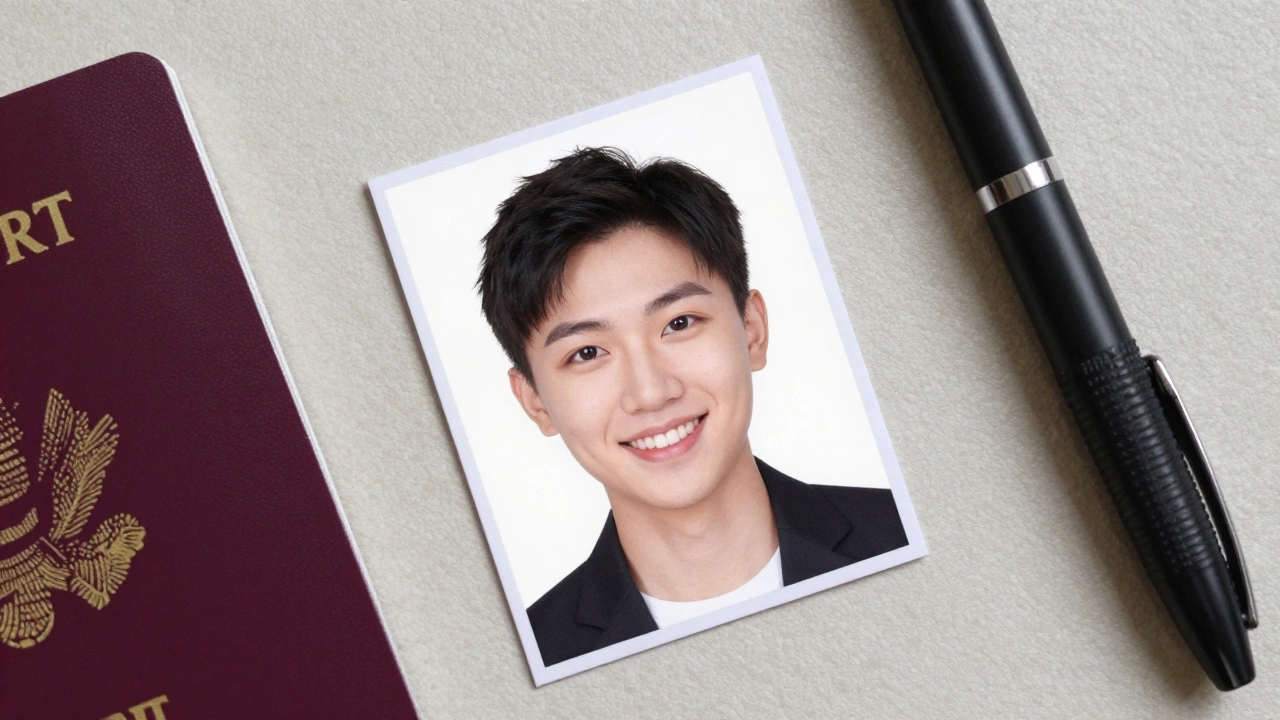
In 2026, many applications accept digital uploads directly via government portals. However, visa centers and embassies sometimes still demand printed hard copies. The difference is the finish. Standard inkjet printers often produce glossiness that reflects the scanner light. Matte paper absorbs light better.
Home Printers must be calibrated to match the biometric paper standard thickness. If you don't own a printer, do not rush to a generic print shop immediately, as they use standard A4 layouts which often crop the images incorrectly.Instead, take a USB drive with your correctly sized files to a kiosk machine found in post offices. Many kiosks have a specific 'Passport Photo' button that forces the correct trimming. If you must print at home, disable the 'borderless' mode on your printer settings, but ensure the page margins align with the 45mm width requirement.
Remember that the digital file is just as important as the print. If you submit a digital copy that is 2MB instead of the required 25KB, the system won't accept it. Compress your final JPG carefully. Use an online image compressor that keeps the resolution high but shrinks the file size to meet the server limits. Balance is everything.
Avoiding Rejection Traps
We often forget small details that lead to rejections. Children's photos require a guardian to be cropped out completely in the background. If you are photographing a toddler holding the camera, the adult must step out of the frame entirely. Infants can be placed on a white sheet on a bed, but ensure the blanket doesn't bunch up.
Haircuts also matter. Bangs should not obscure the eyebrows. In many regions, eyebrows are distinct biometric markers. If your hair covers them, the system may mark your face as occluded. Similarly, contact lenses are usually allowed, but colored ones are not if they change the natural appearance of the iris permanently.
Finally, check the date stamps on your camera roll. Some older systems reject photos taken more than three months ago. Always generate your photo as close to the application date as possible to prove your current likeness.
FAQ: Troubleshooting Passport Photo Issues
Can I use selfies for passport applications?
Most government bodies strictly forbid front-facing camera selfies. The lens distortion from smartphone front cameras often warps facial features. You must use a rear camera and have another person take the photo for you. The resulting image is less distorted and meets quality standards.
What size is a standard UK passport photo?
The UK Home Office requires a specific biometric size of 45mm wide by 35mm high. The head itself, from chin to crown, must occupy 70-80% of the vertical space, equating to roughly 31mm to 36mm. Getting this wrong is the number one cause of rejection.
Is it true that some free online tools watermark my photo?
Yes, many 'free' converters add a brand logo to prevent commercial theft. To avoid this, look for reputable tools explicitly stating 'No Watermark' in their premium-free tier, or edit the raw photo yourself using cropping software that doesn't save metadata branding.
Can I wear glasses in my passport photo?
It depends on your local regulations. The UK generally allows glasses provided there are no glare on the lenses, no thick frames obscuring the eyes, and no tinted glass. If you struggle to meet these conditions, it is safer to take the photo without them.
How recent does my photo need to be?
Your photo must resemble you as you look today. Usually, photos taken within the last six months are acceptable. If you have had significant weight loss or a major haircut since your last photo, you must update it to avoid delays during security checks.