What Cannot Be in a Passport Photo? Rules You Can't Ignore
 Dec, 1 2025
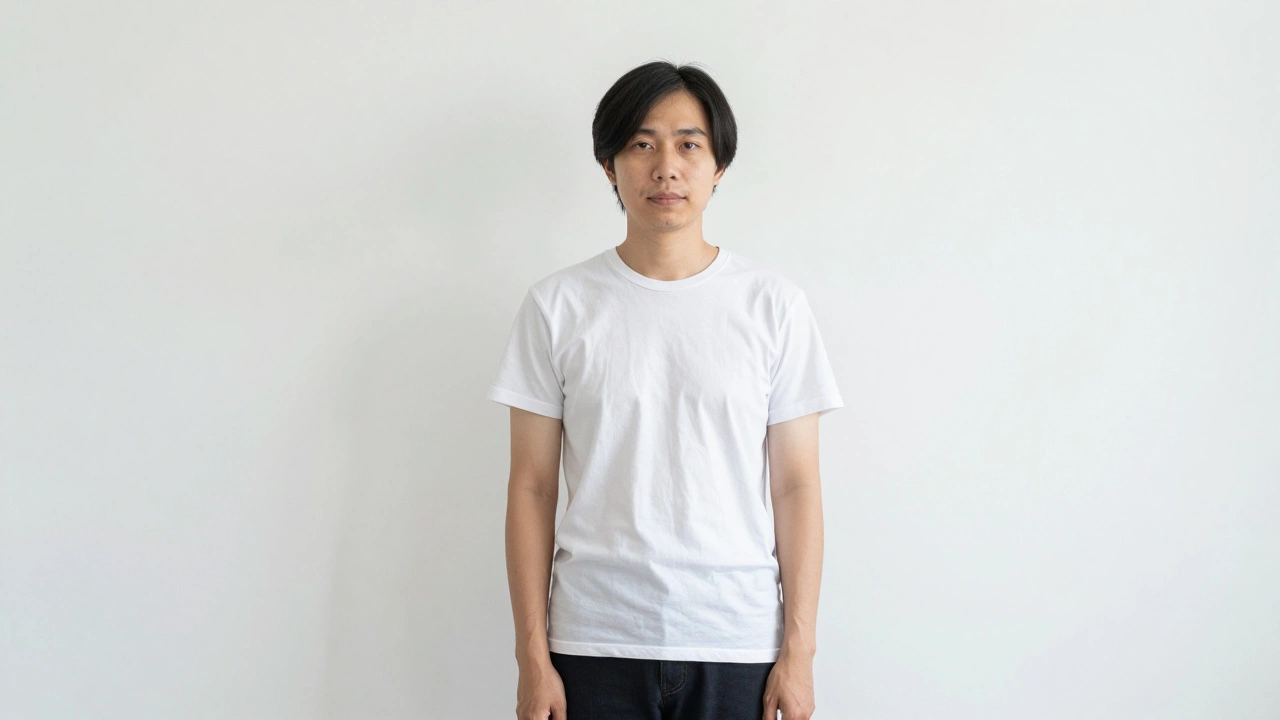
Getting your passport photo rejected isn’t just annoying-it can delay your trip by weeks. Thousands of people submit photos that look fine to them, only to get them turned down at the counter or online. The problem? Most don’t know what passport photo rules actually mean. It’s not about looking good. It’s about meeting strict government standards that exist for security and identification. Here’s exactly what you can’t have in your passport photo-and why.
No hats or head coverings (unless for religious reasons)
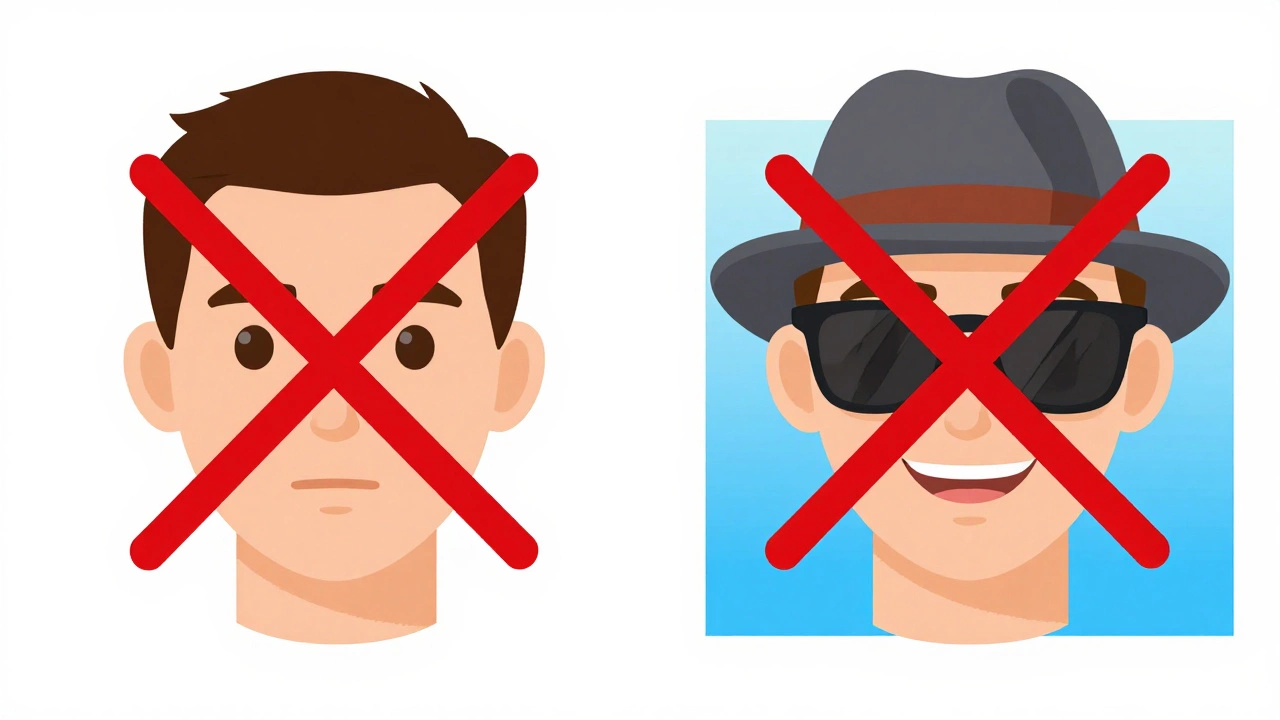
You might think a baseball cap or beanie is harmless. It’s not. The U.S. Department of State, the UK Home Office, and nearly every country require your full face to be visible. That means no hats, scarves, bandanas, or headbands unless they’re worn daily for religious reasons. Even then, the photo must still show your full face clearly. If your hairline or forehead is covered, your photo will be rejected. No exceptions. Not even for cold weather.
No sunglasses or tinted glasses
Glasses are allowed-but only if they’re clear, non-tinted, and don’t cast shadows on your eyes. Sunglasses? Never. Even if you have light sensitivity, you can’t wear them. The photo must show your eyes clearly, without glare or reflection. If your glasses have thick frames, make sure they don’t hide your eyes. Some people try to wear contact lenses instead, but that’s fine-just don’t change your usual appearance. Your eyes must be open and looking directly at the camera.
No shadows on your face or background
A passport photo isn’t a portrait. It’s a biometric identifier. That means lighting has to be even, flat, and shadow-free. If you take the photo near a window, you might get a shadow from your nose, chin, or neck. If you’re standing too close to a wall, your head might cast a shadow behind you. The background must be plain white or off-white-no gradients, no patterns, no blurry edges. Even a slightly gray background can get flagged. Many people use phone apps or photo booths that auto-crop and adjust lighting. But if the system doesn’t detect perfect lighting, it will reject the image. Always check the background for shadows before submitting.
No smiling or open mouth
You might think a smile makes you look friendly. In passport photos, it makes you look like a different person. The rule is simple: neutral expression, mouth closed. Your face should be relaxed, not forced. Smiling changes the shape of your cheeks, jawline, and even the position of your eyes. Biometric systems compare your photo to your face at border control. If your expression is too different, the system may not match you. That’s why you’ll see passport photos that look serious, even stern. It’s not about personality-it’s about consistency.
No visible ears? No problem-but your face must be fully visible
Some people think their ears must be visible. That’s a myth. The rule isn’t about ears-it’s about your entire face. Your face must be centered, with both eyes clearly visible. Your hair can cover your ears. Your neck must be visible, too. If your collar is too high or your shirt covers your jawline, your photo will be rejected. The photo must show your full face from the bottom of your chin to the top of your hair. No cropping. No zooming. No creative framing.
No toys, pets, or other people in the photo
It’s tempting to have your child hold your hand or your dog sit beside you. Don’t. The photo must show only you. No hands, no fingers, no reflections of other people. No stuffed animals, no baby carriers, no pet noses peeking into the frame. Even if it’s a cute moment, it’s not allowed. The photo is for identification, not sentiment. If someone else appears-even partially-the photo fails. Same goes for mirrors or reflections. If your phone or camera appears in the reflection, that’s a rejection.
No editing or filters
Photoshop? Lightroom? FaceTune? All banned. You can’t lighten your skin, remove blemishes, change your eye color, or sharpen your features. The photo must be an accurate representation of your current appearance. If you wear glasses every day, that’s fine. If you’ve grown a beard since your last passport, you need a new photo. But if you digitally smooth your skin or remove a pimple, the system will flag it. Biometric software detects unnatural changes. Even slight filters can trigger rejection. Keep it real. No enhancements. No retouching.
No unusual lighting or colors
Red-eye? Flash glare? Blue tint? Warm lighting? All deal-breakers. The lighting must be natural and neutral. Flash is allowed, but it must be even and not create hotspots. Avoid colored backgrounds-no blue, green, or black. No studio backdrops with logos. No outdoor shots with trees or buildings behind you. The background must be pure white or off-white. If you’re using a home setup, hang a white sheet or use a white wall. Stand about two feet away. Use natural daylight from a window, not direct sunlight. Avoid taking photos at night or under fluorescent lights-they often cast a yellow or green tint.
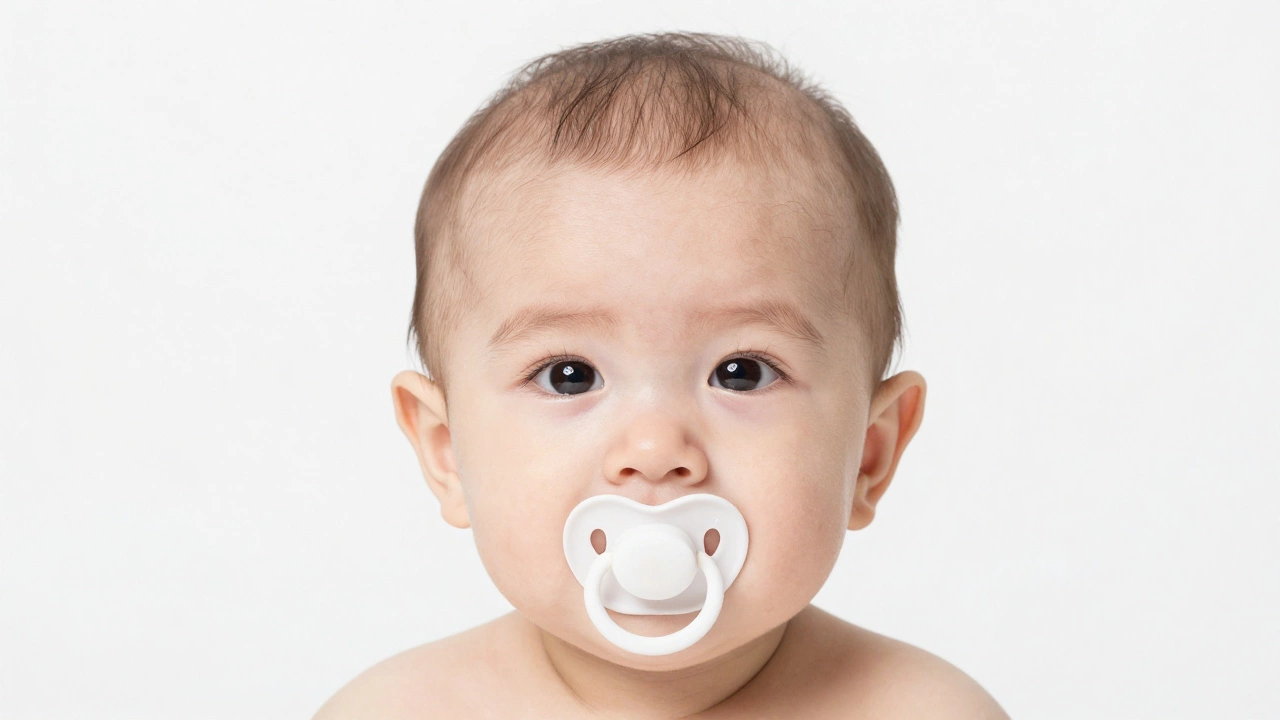
No children’s photos with toys or pacifiers
Parents often try to calm babies with toys or pacifiers. That’s understandable. But those items must be removed from the photo. A pacifier in a baby’s mouth? Rejected. A stuffed animal held by a toddler? Rejected. Even if the child is crying and you think it’s the best shot, it’s not acceptable. For infants under one year, the rule is slightly more flexible-no eye contact required, no neutral expression required. But still: no objects in the frame. The baby’s face must be fully visible, with no hands or objects touching them.
No outdated photos or changes in appearance
If you’ve had a major change-like losing or gaining 20 pounds, shaving off a full beard, or getting a dramatic haircut-you need a new photo. The passport office compares your current face to your photo. If you look significantly different, they may question your identity. Same goes for new piercings, large tattoos on your face, or facial surgery. Minor changes? Usually fine. But if you’re unsure, take a new photo. Don’t risk being turned away at the airport because your photo doesn’t match your face anymore.
What happens if your photo gets rejected?
If your photo is rejected, you’ll get a notice-usually via email if you applied online. The rejection won’t say “your photo is bad.” It’ll say “photo does not meet requirements.” That’s your cue to check the official guidelines. Don’t just retake it the same way. Look at the specific rule you broke. Was it the background? The lighting? The expression? Fix that one thing. Many people submit the same photo three times, changing nothing. That’s why they keep failing. Use a trusted passport photo service or app that checks compliance before you pay. Some apps even guarantee approval or refund your money.
Where to get a compliant passport photo
You don’t need to go to a professional studio. Many pharmacies, post offices, and photo kiosks offer passport photos. In the UK, Post Office branches are reliable and cost around £15. In the U.S., CVS, Walgreens, and Staples offer them for $14-$18. Online services like Passport Photo Online or ID Photo Pro let you upload a selfie and auto-correct it to meet official specs. They check lighting, background, and facial positioning before you download. Some even print and mail the photo to you. Just make sure the service says it meets U.S. State Department or UK Home Office standards. Don’t trust random websites that don’t name the authority they follow.