Who Has the Best Print Quality for Photos? A Guide to Photo Album Printing
 May, 27 2026
Photo Printing Quality Estimator
Configure your priorities below to find the best printing service for your specific needs.
Ready to Analyze
Adjust the sliders to define your requirements. The tool will calculate the optimal balance between cost, longevity, and fidelity based on industry standards.
You spend hours editing that family vacation shot. You tweak the contrast, sharpen the eyes, and adjust the white balance until it looks perfect on your screen. Then you order a photo album or a single print, and what arrives in the mail is dull, grainy, or has a weird color cast. It’s frustrating. You want to know who actually delivers the best image fidelity.
There is no single "best" printer because photo album printing depends heavily on the technology used by the lab. The answer changes based on whether you prioritize vibrant colors for social media sharing or long-term archival stability for heirloom albums. Some labs use dye-sublimation printers that produce smooth gradients but fade faster, while others use pigment-based inkjet systems that last decades but might show banding if not calibrated correctly.
To get the truest representation of your digital files, you need to look at three specific factors: the paper stock, the printing process, and the color management pipeline. Let’s break down which services excel in each area so you can stop guessing and start ordering with confidence.
The Technology Behind the Print: Dye-Sub vs. Inkjet
When you ask who has the best quality, you are really asking about the hardware. Most major photo labs fall into two camps: dye-sublimation (dye-sub) and high-end pigment inkjet.
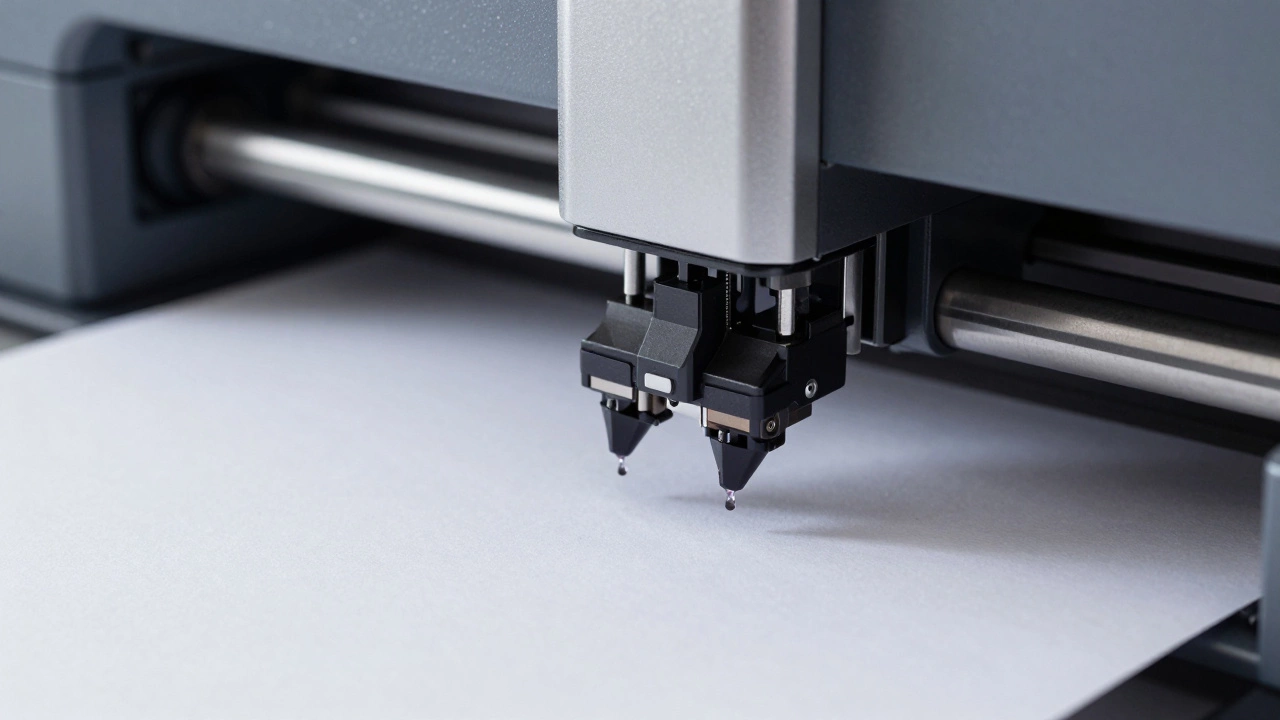
Dye-sublimation printing uses heat to transfer gas-phase dye onto a special paper coating. This method is famous for its smooth tonal transitions. If you have a sky with subtle blue gradients, dye-sub handles it beautifully without visible dots. Services like Shutterfly and Mixbook often rely on this technology for their standard offerings. However, dye-sub papers usually have a glossy plastic coating that can feel slippery, and the dyes are less lightfast than pigments. Over ten years, those bright reds might shift toward orange.
On the other hand, Pigment Inkjet Printing sprays microscopic droplets of pigment onto porous paper. Brands like Fujifilm and Epson dominate this space with their professional-grade equipment. Pigment sits on top of the paper fibers rather than soaking in, which makes it incredibly resistant to fading. Labs like WhiteWall, MPix, and Costco (using Fuji Frontier machines) often use this approach for their premium lines. The trade-off? You need excellent calibration. If the lab’s RIP (Raster Image Processor) software isn’t tuned perfectly, you might see slight banding in large solid color areas.
If longevity is your main concern, go with a lab that advertises "archival" or "museum-quality" prints using pigment inks. If you want quick, cheap, and visually popping results for temporary displays, dye-sub is acceptable.
Paper Matters More Than You Think
A great printer can’t save bad paper. The substrate dictates how much detail you can retain. For photo album printing, the binding process also stresses the paper. Thin, glossy sheets crack when folded. Thick, textured papers absorb too much ink, dulling the blacks.
Look for these specific paper types:
- Lustre or Pearl Finish: This is the sweet spot for most people. It reduces glare compared to high-gloss but retains more sharpness than matte. Fujifilm’s Crystal Archive Paper II is an industry standard here.
- Fine Art Rag: Cotton-based papers that feel like canvas. They are beautiful for black-and-white portraits but require careful handling during album assembly. They don’t fold well in traditional spiral bindings.
- Matte Gloss: A newer hybrid that looks matte from a distance but reveals gloss when viewed up close. Great for avoiding fingerprints in children’s albums.
Avoid "standard glossy" unless you are printing small 4x6 snapshots. In larger formats like 8x10 or 11x14, standard glossy shows every fingerprint and dust speck, distracting from the image itself.
Top Contenders for Best Print Quality in 2026
Based on current market performance and user feedback, here are the leaders in print fidelity.
| Service | Printing Tech | Best For | Archival Rating |
|---|---|---|---|
| WhiteWall | Epson SureColor P-Series (Pigment) | Fine art reproductions, large format | Excellent (100+ years) |
| MPix | Hahnemühle / Epson Hybrid | Professional photographers, color accuracy | Very Good |
| Costco Photo | Fujifilm Frontier CP Series | Volume orders, consistent color | Good (50+ years) |
| Mixbook | Dye-Sublimation | Budget albums, casual memories | Moderate (20-30 years) |
| National Geographic Store | Fuji Crystal Archive | Vibrant landscapes, wildlife | Very Good |
WhiteWall is widely considered the gold standard for quality. They use museum-grade Hahnemühle papers and Epson pigment printers. Their color management is rigorous, meaning what you see on a calibrated monitor is very close to what you get in print. However, they are expensive and slower than mass-market options.
MPix offers a strong middle ground. They cater to pros but have accessible pricing tiers. Their "Pro Prints" line uses similar tech to WhiteWall but with slightly different paper coatings. Many wedding photographers prefer MPix for client galleries because the turnaround is faster without sacrificing too much quality.
Costco remains a surprising contender. Because they use industrial Fuji Frontier machines designed for retail photo booths, the color science is optimized for skin tones. If you are printing family portraits, Costco often beats more expensive online labs in natural-looking skin colors, provided you don’t over-edit the images beforehand.
Color Management: The Hidden Variable
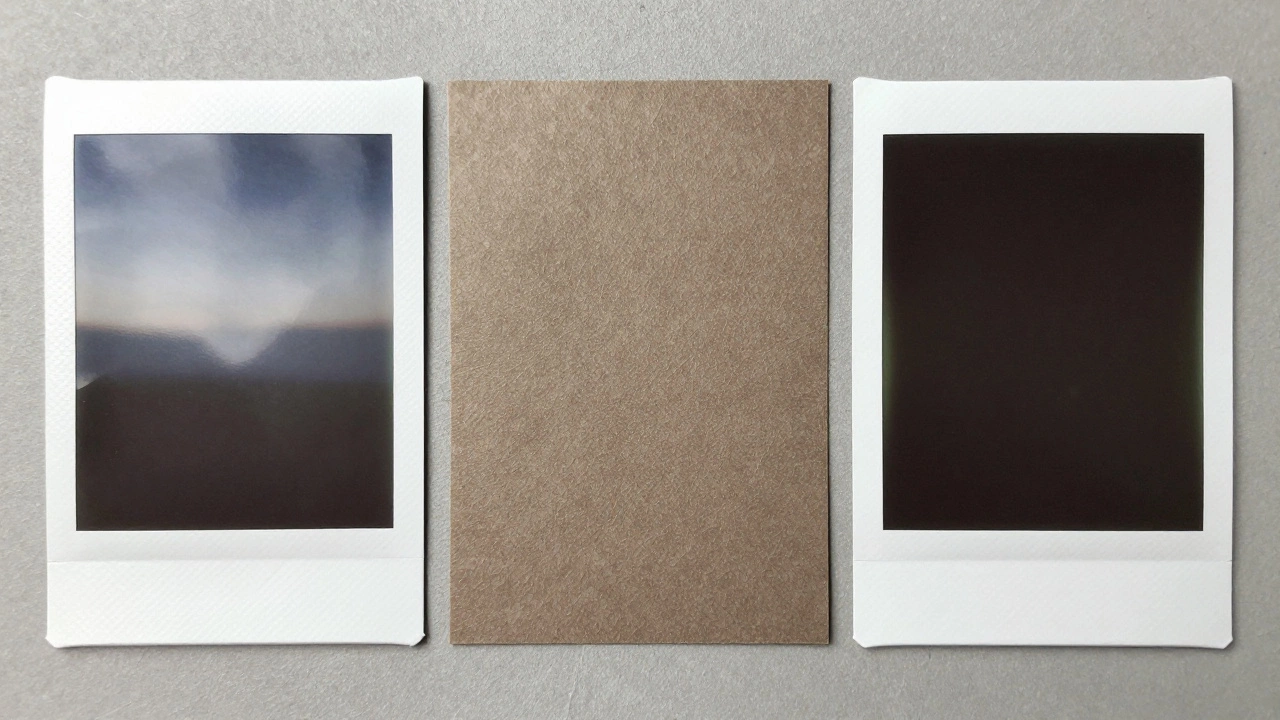
Even the best printer will fail if the color profile is wrong. When you upload your photos, the lab converts your RGB file (screen colors) to CMYK (print colors). This conversion is where errors happen.
Most consumer labs apply automatic enhancements. They boost saturation and contrast to make photos look "poppy." While this looks good at first glance, it destroys detail in highlights and shadows. If you want accurate quality, look for a lab that offers "No Enhancement" or "Professional Mode."
For the best results, embed the sRGB color profile in your JPEGs before uploading. sRGB is the universal standard for web and consumer printing. Using Adobe RGB or ProPhoto RGB often leads to muddy, desaturated prints because many consumer labs cannot interpret those wider gamuts correctly.
Album Binding and Longevity
In the context of photo album printing, the print quality isn’t just about the image; it’s about how the pages hold up. Cheap albums use adhesive binding that cracks after a few opens. High-quality albums use lay-flat binding with reinforced spines.
Brands like Artifact Uprising and Chatbooks focus on design and ease of use, but their print quality varies. Artifact Uprising uses higher-quality paper stocks than Chatbooks, resulting in sharper images. However, neither matches the archival permanence of a custom-bound book from a specialist like Bookbaby or Blurb.
If you are creating a legacy album for a wedding or a child’s birth year, invest in a hardcover, lay-flat album with acid-free pages. Acid-free paper prevents yellowing over time. Ensure the lamination or coating is UV-resistant to protect against sunlight damage.
How to Test a Lab Before Ordering a Full Album
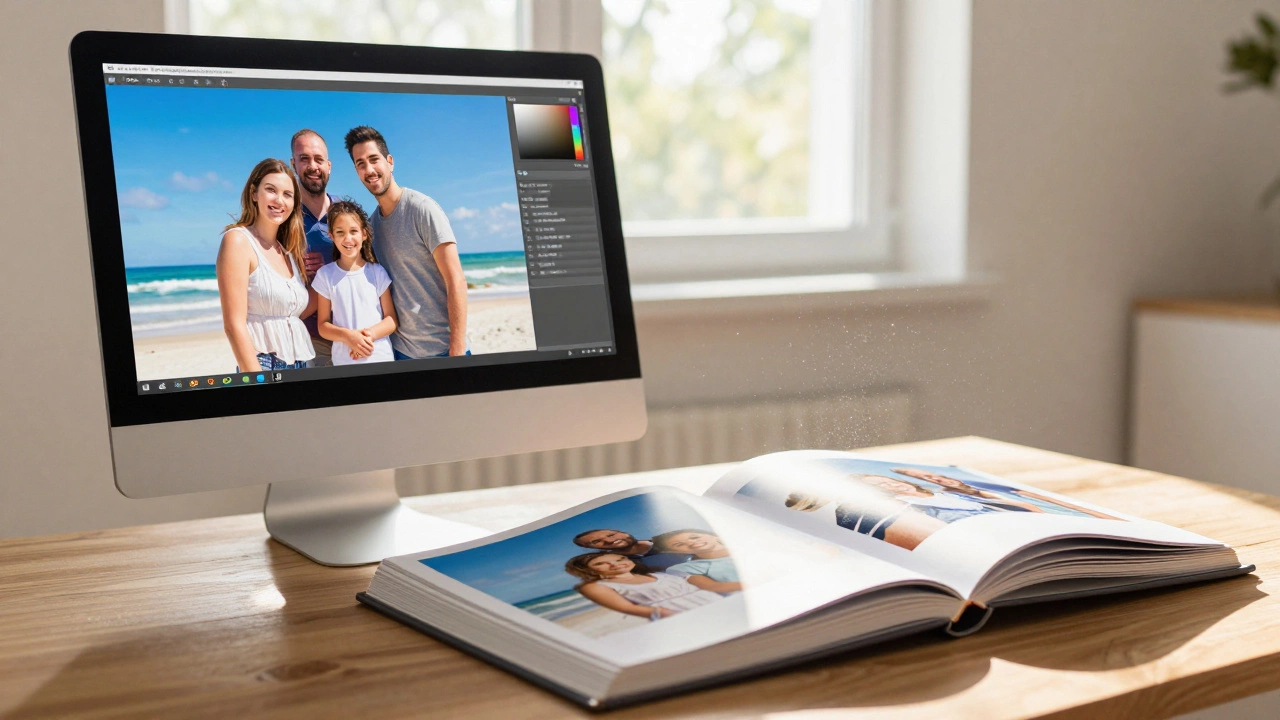
Don’t risk hundreds of dollars on a full album without testing. Order a single 8x10 print from your top two choices. Use a test image that contains:
- A gradient (sky or wall) to check for banding.
- Skin tones to check for color casts.
- Deep blacks to check for density and detail retention.
- Fine textures (hair, fabric) to check for sharpness.
Compare the prints side-by-side under neutral lighting. Look for any orange tint (common in warm white balance errors) or greenish hues (common in poor cyan/magenta calibration). The winner is the one that looks closest to your calibrated monitor.
Common Pitfalls to Avoid
Many users blame the printer when the issue is actually the source file. Uploading a compressed Instagram JPEG to a high-end lab will never yield high quality. Always upload the highest resolution file you have. Aim for 300 DPI at the final print size. If your image is 72 DPI, the lab will interpolate it, resulting in soft, blurry details.
Also, be wary of "free" albums. Services that offer free books usually make their money on shipping or upselling extra pages. These low-margin products often cut corners on paper weight and ink coverage. You get what you pay for in physical media.
Is dye-sublimation better than inkjet for photo albums?
It depends on your goal. Dye-sublimation produces smoother gradients and is less prone to banding, making it great for casual, colorful photos. However, inkjet with pigment inks offers superior archival quality and longevity, making it better for heirloom albums that need to last decades.
Which paper finish is best for reducing fingerprints?
Lustre or pearl finishes are the best compromise. They reduce glare and hide fingerprints better than high-gloss, while maintaining more sharpness and color vibrancy than matte finishes. Matte gloss is another emerging option that resists smudges effectively.
Why do my printed photos look darker than on my screen?
Screens emit light, while prints reflect it. To compensate, labs often darken prints slightly. Also, if your monitor is too bright or not calibrated, you may be editing images that are too dark. Embedding an sRGB color profile and ensuring your monitor is calibrated helps bridge this gap.
Can I trust online reviews for photo lab quality?
Online reviews can be helpful but are subjective. Lighting conditions and personal color preferences vary. It is always better to order a single test print from multiple labs to compare quality firsthand before committing to a large album order.
What is the difference between archival and standard prints?
Archival prints use acid-free paper and pigment inks that resist fading for 50-100+ years. Standard prints often use dye-based inks and coated papers that may yellow or fade within 10-20 years, especially when exposed to light or humidity.