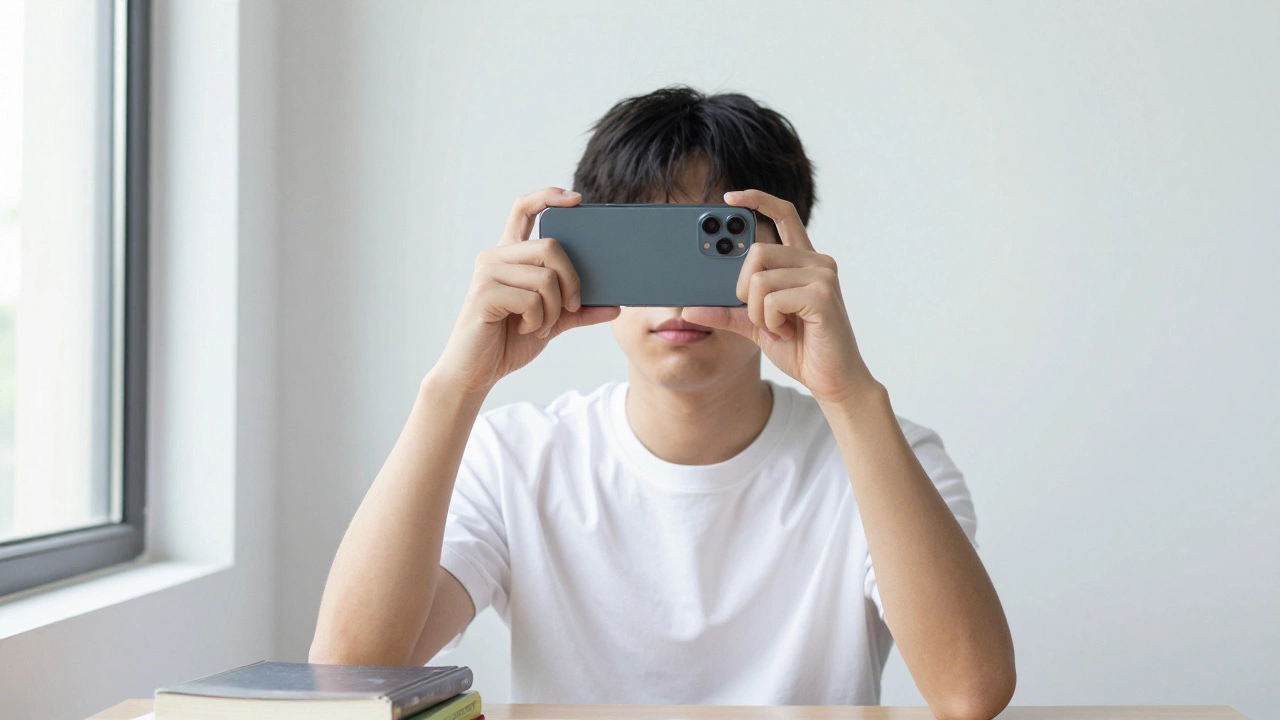
How to Make a 2x2 Passport Photo on Your Phone for Free Online
Make a perfect 2x2 passport photo on your phone for free using just a white wall and a free online tool. No studio, no cost, no hassle. Follow these steps to avoid rejection.
When you need a free passport photo online, a digital image that meets government standards for official identification. Also known as passport-sized photo, it’s not just about cropping your selfie—it’s about matching strict rules on lighting, background, facial expression, and size. Most countries, including India, require passport photos to be taken against a plain white or off-white background, with no shadows, no glasses, and no headwear unless for religious reasons. Your face must fill 70-80% of the frame, eyes open, neutral expression, and no smile. These aren’t suggestions—they’re legal requirements, and getting it wrong means your application gets rejected, delaying travel, visas, or official documents.
Many people try to take a passport photo with their phone and print it at a local shop, only to be turned away. Why? Because most apps and kiosks don’t check the full set of rules. A passport photo background, the plain, uniform color behind the subject’s head and shoulders must be pure white or light gray, no gradients, no windows, no furniture. Even a faint shadow from your collar or a reflection on your forehead can cause rejection. The same goes for passport photo software, digital tools designed to auto-adjust images to official passport standards. Some free apps claim to fix your photo, but they often miss details like eye height positioning or head size ratios. The best ones use AI to detect your face, crop it correctly, and replace the background automatically—without adding filters or altering your features. You don’t need Photoshop. Free tools like Photopea, Canva (with passport templates), or even the official UK Home Office online tool can help. But remember: the software only does part of the job. You still need to follow the lighting rules—natural daylight near a window works best. Avoid flash, which causes red-eye or harsh shadows. Wear dark clothing to contrast with the background. No white shirts. No patterns. No jewelry that distracts from your face.
India doesn’t have a government-run free passport photo service, but many private photographers and online services offer compliant photos for under ₹100. Still, if you’re trying to do it yourself, the key is precision, not convenience. A photo that looks fine on your phone might fail when printed at 35mm x 45mm. That’s why the best free tools let you preview the final print size before you download. And if you’re submitting digitally, make sure the file is in JPEG format, under 10MB, and named correctly. Rejection isn’t just annoying—it costs time, money, and stress. That’s why people who get it right on the first try save weeks. Below, you’ll find real guides from Indian users who’ve been there: what worked, what didn’t, and how to avoid the most common mistakes that send your application back to square one.
Make a perfect 2x2 passport photo on your phone for free using just a white wall and a free online tool. No studio, no cost, no hassle. Follow these steps to avoid rejection.