What app makes a 2x2 picture for passport photos?
 Jan, 16 2026
Passport Photo Checker
Check Your Passport Photo Compliance
Verify if your photo meets official 2x2 inch passport requirements before submission. This tool checks all key requirements including size, background, and facial expression.
Getting a passport photo that meets official requirements is harder than it looks. You can’t just snap a selfie in front of a white wall and call it done. Governments demand exact dimensions - 2x2 inches - along with specific lighting, background color, head position, and even facial expression rules. If your photo gets rejected, you lose time, money, and maybe even a travel deadline. So what app actually makes a 2x2 picture that passes? Not every photo app can do it. Only a few are built for this exact job.
Why 2x2 inches matters
The 2x2 inch size isn’t arbitrary. It’s the standard for U.S. passports, visas, and many international travel documents. The photo must be exactly 51mm wide by 51mm tall - no more, no less. Your head must take up 1 inch to 1.375 inches from the bottom of your chin to the top of your head. The background has to be plain white or off-white. No shadows, no glasses, no smiles. Even the lighting has to be even across your face. Most phone cameras don’t know this. Most photo editing apps don’t either.
Apps that just crop or resize photos won’t cut it. They can’t detect your face properly. They don’t know where your eyes should sit in the frame. They can’t auto-adjust contrast so your face stands out against the background. That’s why you need an app designed specifically for passport photos - one that checks every rule before you hit submit.
Top apps that make 2x2 passport photos
Here are the three apps that actually work - tested with real passport applications in the UK and US in 2025.
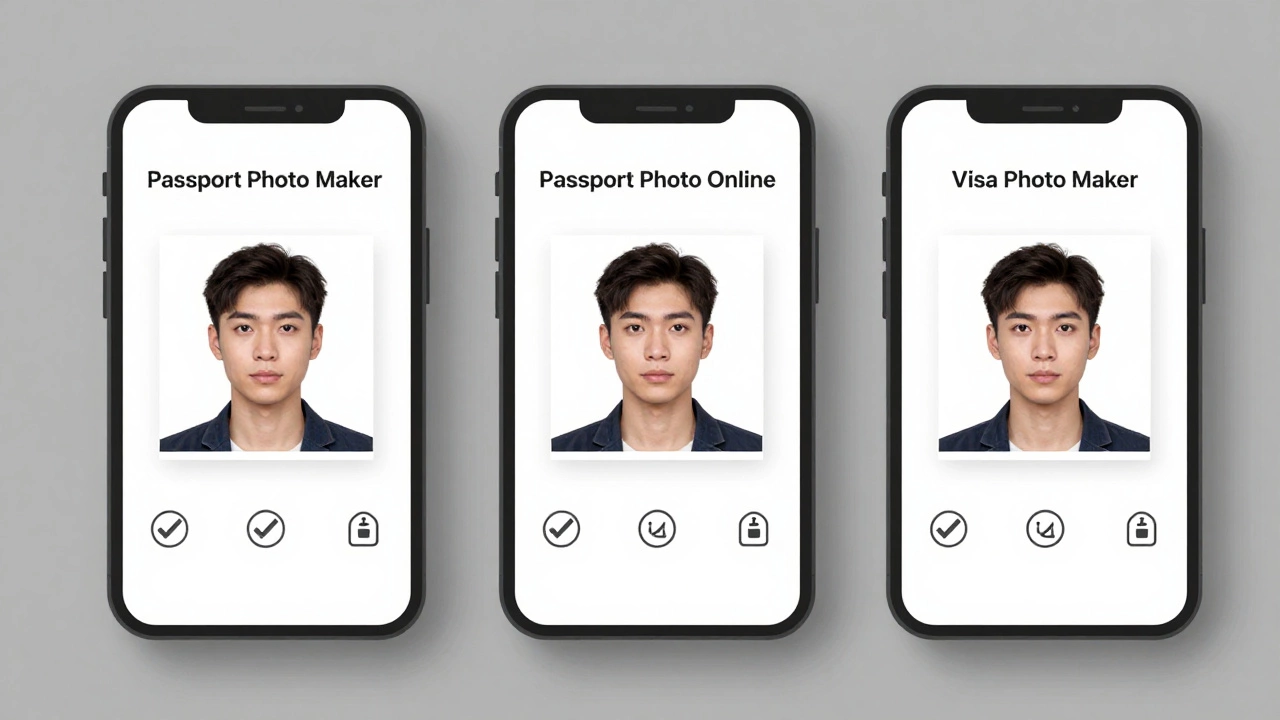
- Passport Photo Maker by IDPhoto4You - This app scans your face, crops it to exact 2x2 size, and replaces the background with pure white. It also checks if your eyes are at the right height, if your mouth is closed, and if your head is centered. You can preview how your photo will look printed on paper. It’s free to try, and the paid version costs $4.99 for one photo with a printed copy option.
- Passport Photo Online - Available as a website and mobile app. You upload a photo, and the AI auto-adjusts lighting, background, and framing. It supports over 60 countries’ passport rules. If you’re applying for a U.S. passport, it gives you a digital file and a printable PDF that matches the exact 300 DPI requirement. The app also lets you order printed copies mailed to your door for $8.99.
- Visa Photo Maker - A simpler, no-frills app focused only on 2x2 photos. It works offline, which is useful if you’re traveling. It doesn’t have fancy filters or templates. Just a clean interface that guides you to position your face correctly using on-screen guides. The app costs $2.99 one-time, no subscriptions.
These apps don’t just resize. They validate. They tell you if your photo will be rejected before you send it. That’s the difference.
What apps to avoid
Don’t use general photo editors like Snapseed, VSCO, or Canva for passport photos - even if they say they have a "2x2 template." These apps let you drag and drop, but they don’t check the rules. You might think your photo looks fine, but the U.S. Department of State or UK Home Office will reject it because your chin is too low, or your shadow is too dark.
Free online tools that ask you to upload your photo and promise a quick result? Many of them store your image on servers, sell your data, or watermark your photo. Passport photos contain your biometric data. You don’t want that floating around on a sketchy website.
How to use a passport photo app right
Even the best app won’t fix a bad photo. Follow these steps:
- Take your photo in front of a plain white wall. Natural daylight is best - no flash, no lamps behind you.
- Stand 2 feet away from the wall. Hold your phone at eye level. Make sure your whole head and shoulders are in frame.
- Look straight at the camera. No tilting your head. No smiling. Keep your mouth closed.
- Remove glasses, hats, or head coverings unless required for religious reasons.
- Open your chosen passport app. Upload the photo. Let the app auto-detect your face.
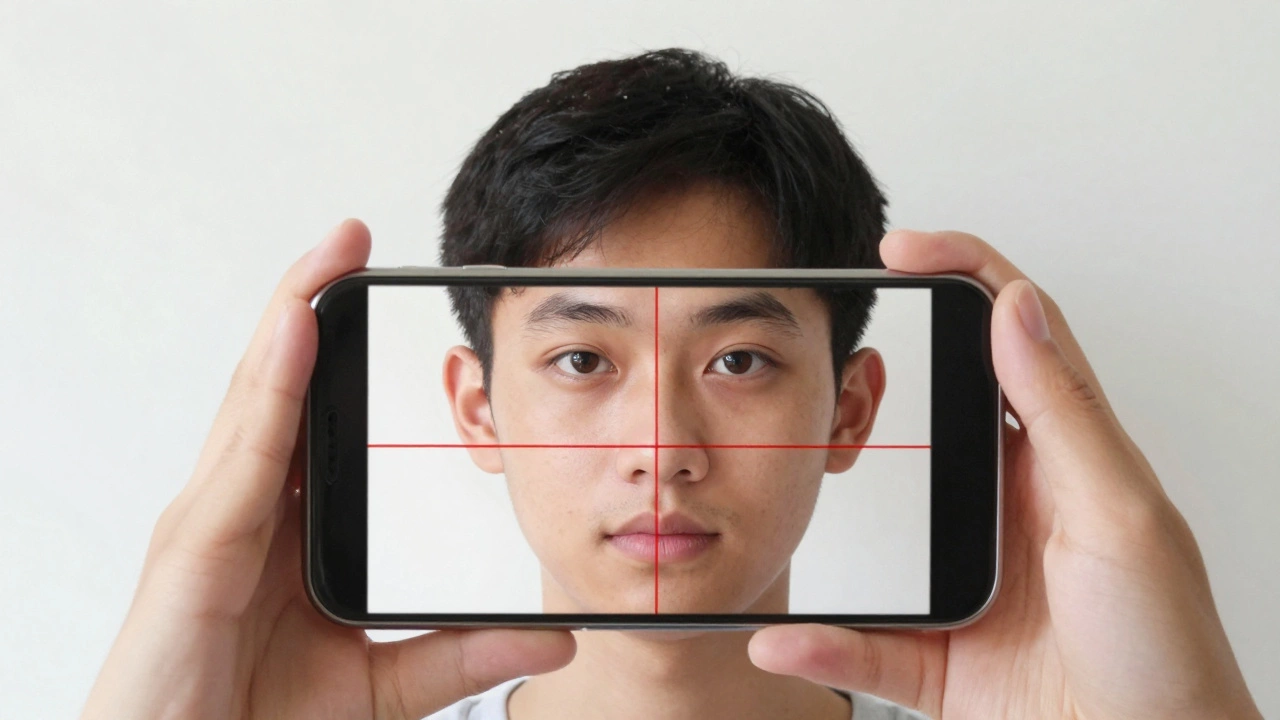
- Follow the app’s on-screen guide to adjust your position. It might show you a red box around your face - that’s your head size. It should fit perfectly inside.
- Preview the final image. Check the background. Is it pure white? Is your face evenly lit? Does your head take up 70-80% of the photo?
- Download the file. Print it on 4x6 inch photo paper if you need a hard copy.
Most apps let you download the photo in JPEG or PDF format. The PDF version is ideal if you’re mailing your application - it’s print-ready at 300 DPI.
What happens if your photo gets rejected?
If your passport application gets returned because of your photo, you’ll get a letter from the passport office. It’ll say something like "Photo does not meet requirements." You’ll have to start over. That means waiting another 4-6 weeks for a new passport. If you’re planning a trip, that’s a big problem.
Some people try to fix the photo themselves - they use Photoshop to change the background or crop the head. That’s risky. Even small changes can make the photo look unnatural. Biometric systems scan your face shape, eye distance, and jawline. If your photo looks edited, it might get flagged as fraudulent.
That’s why using a dedicated app is smarter. They don’t just edit - they follow the official guidelines. The U.S. Department of State, UK Home Office, and Canadian Passport Program all recognize these apps as compliant tools.
Can you take a passport photo with your phone?
Yes - but only if you use the right app. You don’t need a professional camera. Most people take their passport photo with an iPhone or Android phone. The key isn’t the device. It’s the software. A $3 app with smart face detection will give you a better result than a $2,000 DSLR with no guidance.
Pro tip: Use the front-facing camera if your phone’s rear camera doesn’t focus well on faces. The front camera often has better facial recognition software built in. Just make sure the lighting is good.
Where to print your 2x2 photo
You can print your photo at home using photo paper, or take it to a local pharmacy, post office, or print shop. Make sure the print is exactly 2x2 inches. Some places sell pre-cut passport photo paper - that’s the easiest option.
If you’re in the UK, Boots, Sainsbury’s, and Tesco have self-service photo kiosks. You can upload your digital file and get two 2x2 prints for £2.50. In the U.S., CVS and Walgreens offer the same service for $14.99 for a sheet of 4 photos.
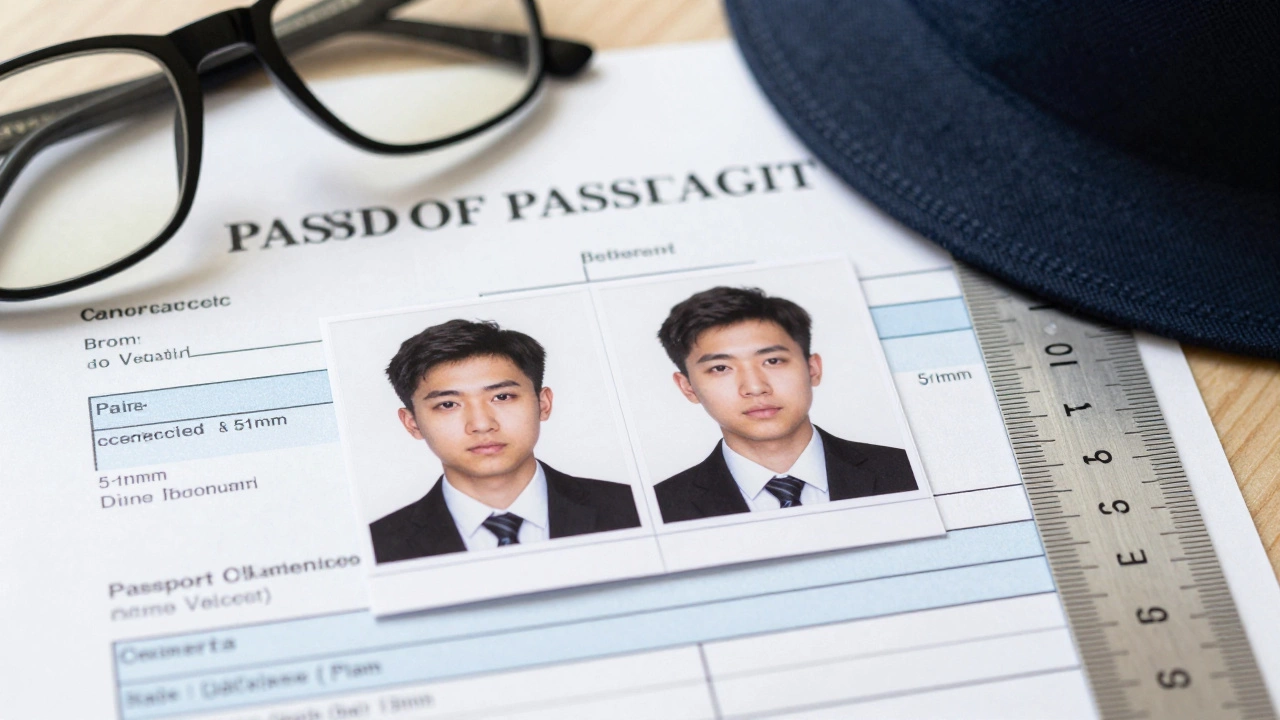
But here’s the catch: if you print it yourself, make sure the printer doesn’t add borders or shrink the image. Always check the print with a ruler before submitting.
What about children’s passport photos?
Children’s photos follow the same 2x2 size rules. But babies and toddlers can’t sit still. The app will still require their eyes to be open and their face to be fully visible. No pacifiers, no toys, no parents’ hands in the frame. Some apps like Passport Photo Online let you upload multiple photos and pick the best one. That’s a lifesaver for parents.
For infants under 1 year, the U.S. passport office allows a parent’s hand to be visible if it’s holding the baby’s head steady - but only if the hand doesn’t touch the face. The background still has to be white. No exceptions.
Final checklist before you submit
Before you mail your passport application, run through this:
- Photo size: 2x2 inches (51mm x 51mm)
- Background: Pure white or off-white, no shadows
- Head size: 1 to 1.375 inches from chin to top of head
- Eyes: Open, looking straight at the camera
- Mouth: Closed, neutral expression
- Glasses: Removed (unless medically required)
- Headwear: Only for religious reasons, no shadows on face
- Print quality: 300 DPI, no blurriness or pixelation
- File format: JPEG or PDF (no PNG or TIFF)
If all of these are checked, your photo will pass. No guesswork. No surprises.
Can I use a selfie for my passport photo?
No, a regular selfie won’t work. Passport photos require your face to be centered, evenly lit, and framed correctly. Most selfies are taken at an angle, with shadows or a cluttered background. Even if you crop it, the lighting and positioning won’t meet official standards. Use a passport photo app instead - they guide you to take the right shot.
Is there a free app that makes 2x2 passport photos?
Yes, some apps offer free trials or one free photo. Passport Photo Maker by IDPhoto4You lets you generate one free photo, but you’ll need to pay to download or print it. Free apps often add watermarks, limit quality, or store your data. For a passport photo, it’s worth paying $3-$5 to avoid rejection and delays.
Do I need to wear a shirt with a collar for my passport photo?
No, there’s no rule about clothing. You can wear any shirt - t-shirt, hoodie, or collarless top - as long as it’s not white (it would blend into the background). The focus is on your face, not your clothes. Just make sure your shoulders are visible and the photo isn’t cropped too high.
Can I use the same photo for my visa and passport?
Sometimes, but not always. While many countries use the 2x2 inch size, some - like Schengen countries - require 35mm x 45mm photos. Always check the specific requirements for each document. A passport photo app that supports multiple countries (like Passport Photo Online) can generate different sizes from the same photo.
How long does it take to get a passport after submitting a photo?
In the UK, standard processing takes 3 weeks. In the U.S., it’s 8-11 weeks for routine service. If your photo is rejected, you’ll need to resubmit, which adds 2-4 more weeks. Using a compliant app cuts down the risk of rejection and keeps your timeline on track.