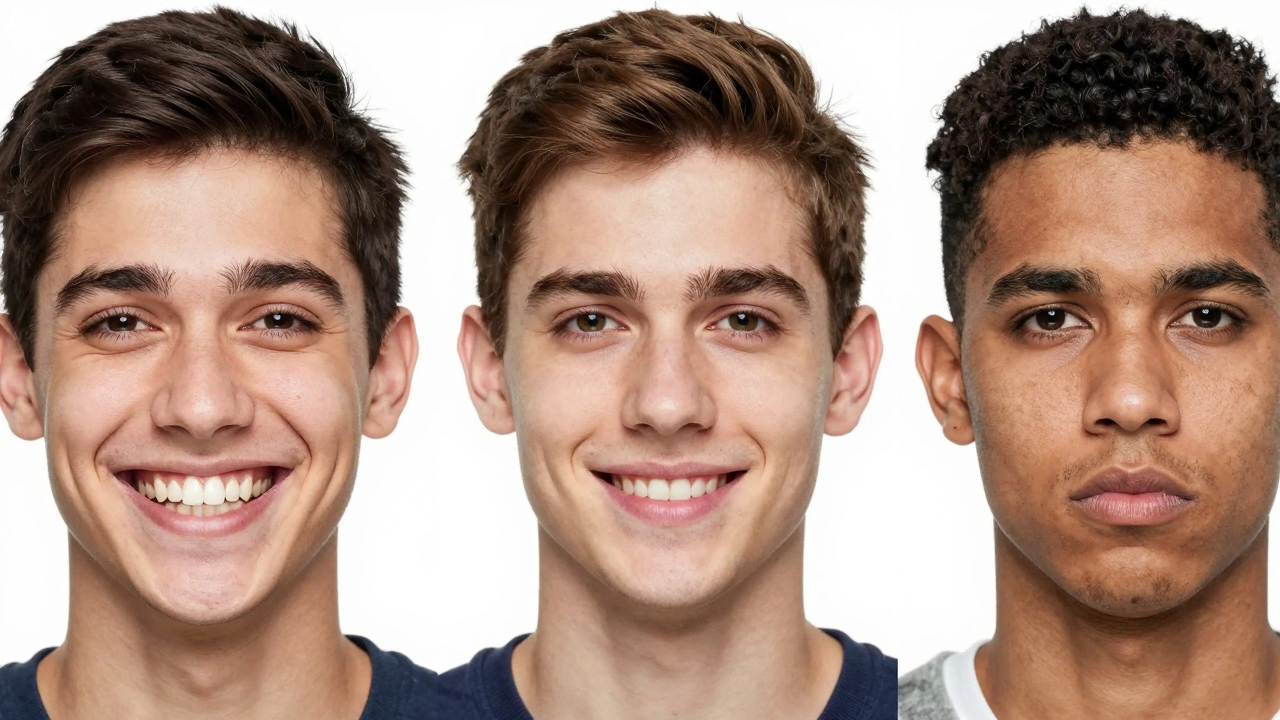
Can You Smile in a Passport Photo? Official Rules and Tips
Need a passport photo that gets accepted the first time? You’re in the right spot. We’ll walk you through the basics, show you how to do it yourself, and explain why a professional service can save you headaches.
First off, the photo size matters. Most countries ask for a 2x2 inch image with a plain background. Use a bright wall, no shadows, and keep the camera at eye level. A smartphone works fine if you follow the guidelines – just make sure the picture is sharp and the lighting is even.
When you snap the shot, check these quick points:
After you have a decent picture, use a free online tool to crop it to the exact dimensions. Many tools let you adjust the DPI (dots per inch) to 300, which is the standard for printing.
Even a tiny slip can cause a rejection. The most frequent errors are blurry images, dark backgrounds, and glasses that cause glare. If you wear glasses, make sure there’s no reflection on the lenses. Also, avoid extreme hairstyles that hide the ears – some countries require the ears to be visible.
Another sneaky problem is the “too dark” issue. If the photo looks like a night‑time selfie, it won’t pass. Use natural daylight or a soft lamp, and keep the flash away from the subject’s face.
Finally, double‑check the country‑specific rules. For example, the UK asks for a specific head size and a neutral expression, while the US allows a little more flexibility on background color. A quick Google search for "passport photo rules 2025" will give you the latest specs.
Doing it yourself is cheap, but a professional service guarantees compliance. At Rio Photography we offer:
Our team checks each photo against official guidelines before you leave the shop. That means no surprise rejections and no wasted trips to the post office.
If you’re in a hurry, drop off a digital file and we’ll print it on premium photo paper. Need a paper‑less option? We can send you a ready‑to‑upload file that meets the exact pixel and DPI requirements.
Choosing Rio Photography also saves you from the guesswork of DIY tools. Our software automatically crops, resizes, and adjusts brightness, so you get a professional finish without learning photo‑editing tricks.
Ready to get your passport photo done right? Walk into any of our locations, or upload your image online and let us handle the rest. With the right photo in hand, your passport application moves forward faster and stress‑free.
Remember, a good passport photo is more than a requirement – it’s the first impression you make on a new country. Keep it simple, follow the rules, and let Rio Photography handle the details so you can focus on the adventure ahead.
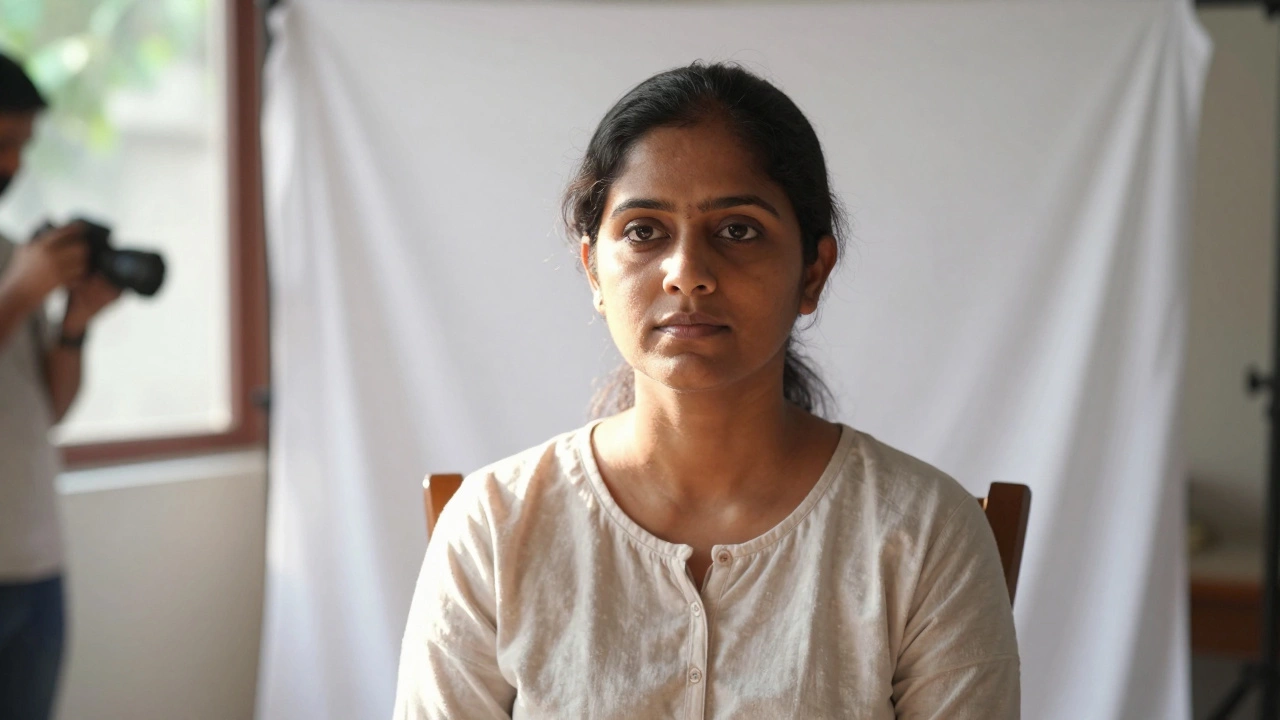
Create compliant biometric photos at home using free online tools. Learn the specific size requirements, lighting tips, and editing tricks to avoid rejection.
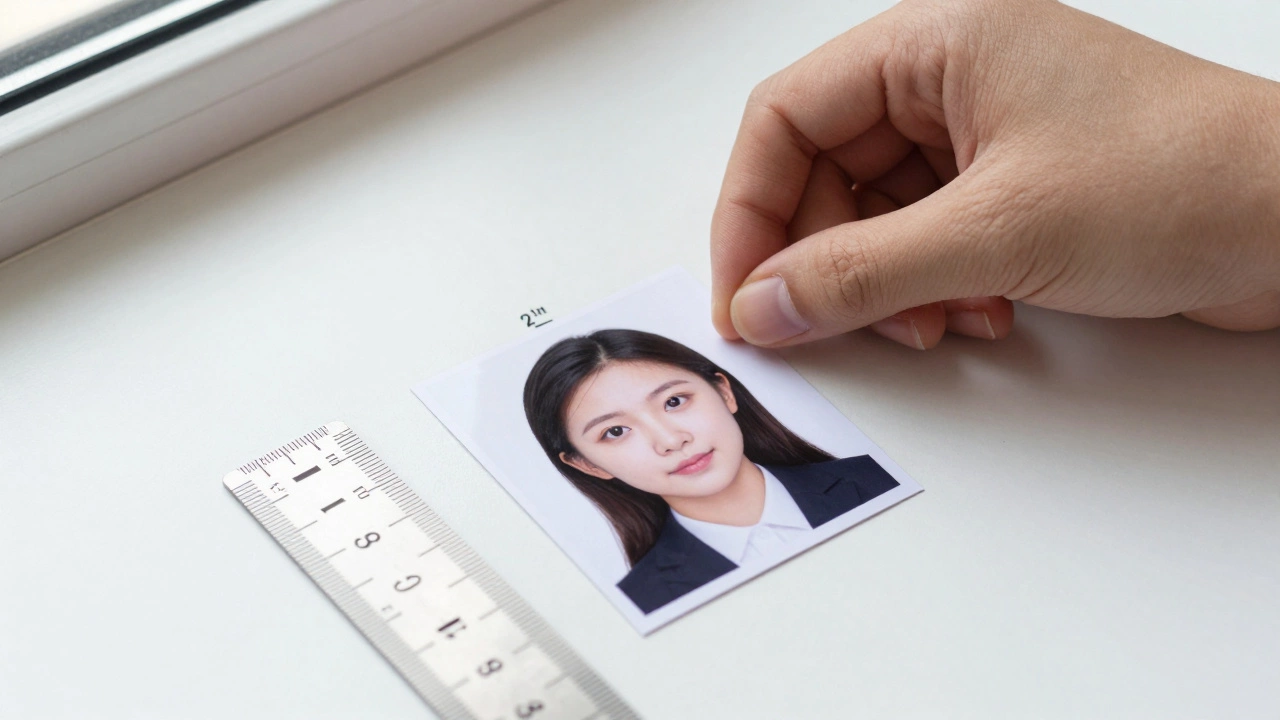
Learn how to print a perfect 2x2 passport photo at home using basic tools. Follow exact U.S. government specs for size, lighting, and printing to avoid rejection. Save time and money with this step-by-step guide.
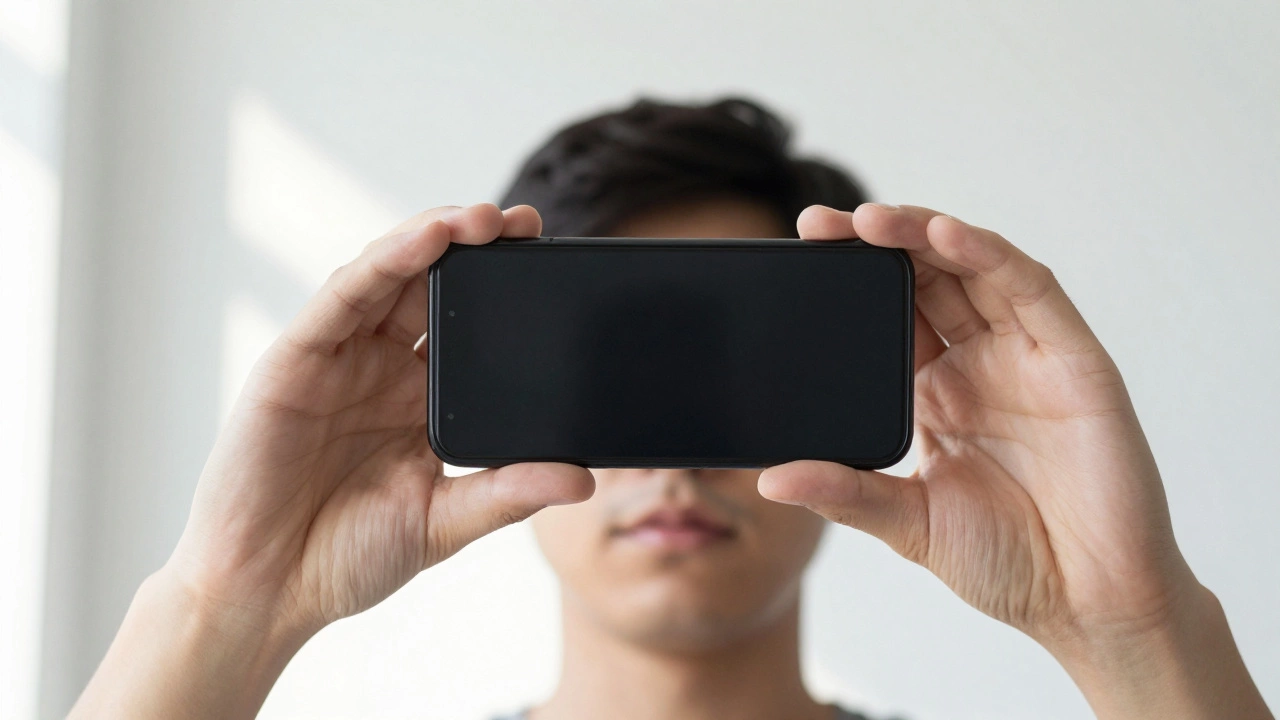
Learn how to turn any phone photo into a passport-sized image that meets UK and international standards. Follow simple steps using free apps and basic tools to get a rejection-free photo in minutes.
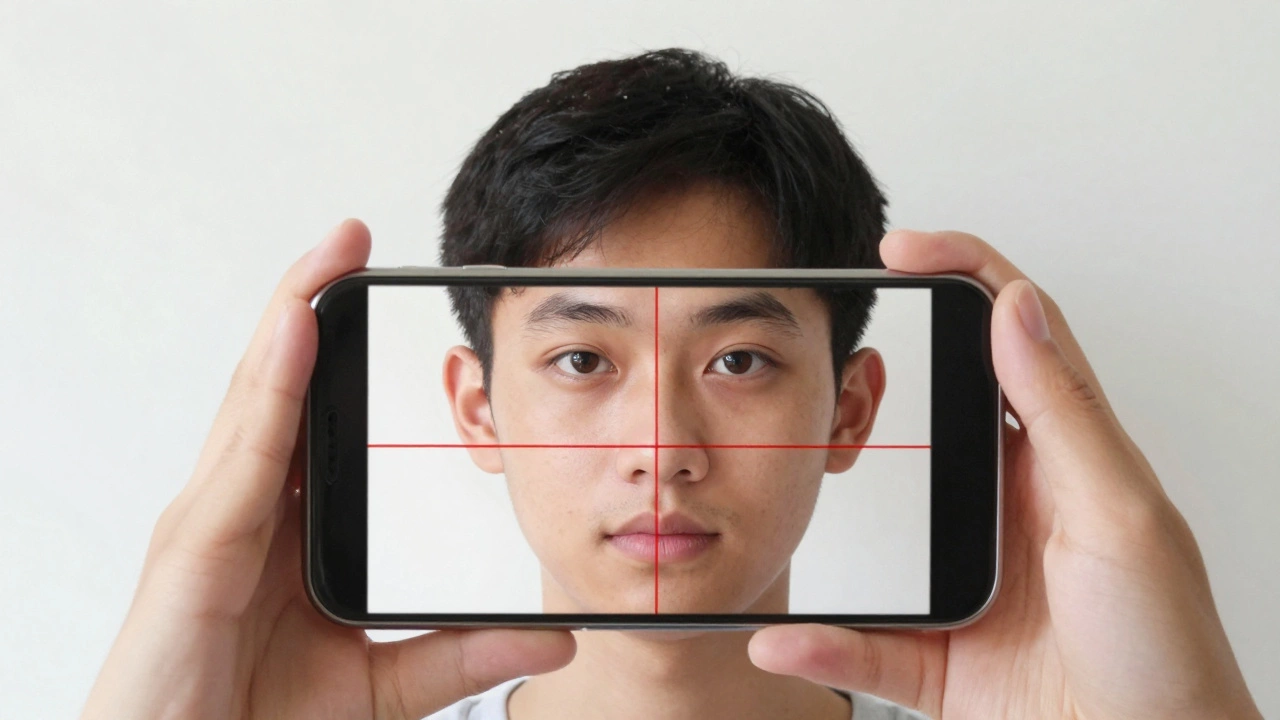
Find out which apps make perfect 2x2 passport photos that meet official requirements. Avoid rejection with tools that auto-adjust size, background, and lighting for U.S., UK, and international passports.
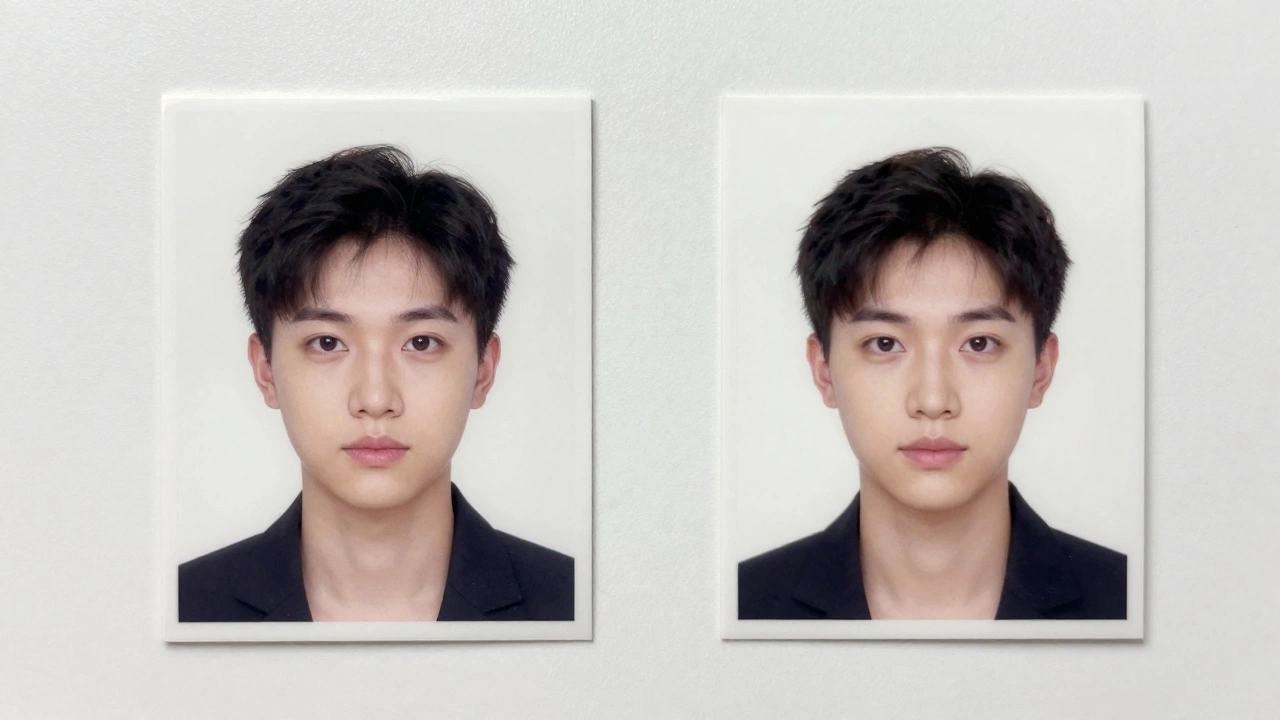
You don't need signed passport photos in the UK anymore. Learn the current photo rules, common mistakes to avoid, and how to get compliant photos for your application in 2026.
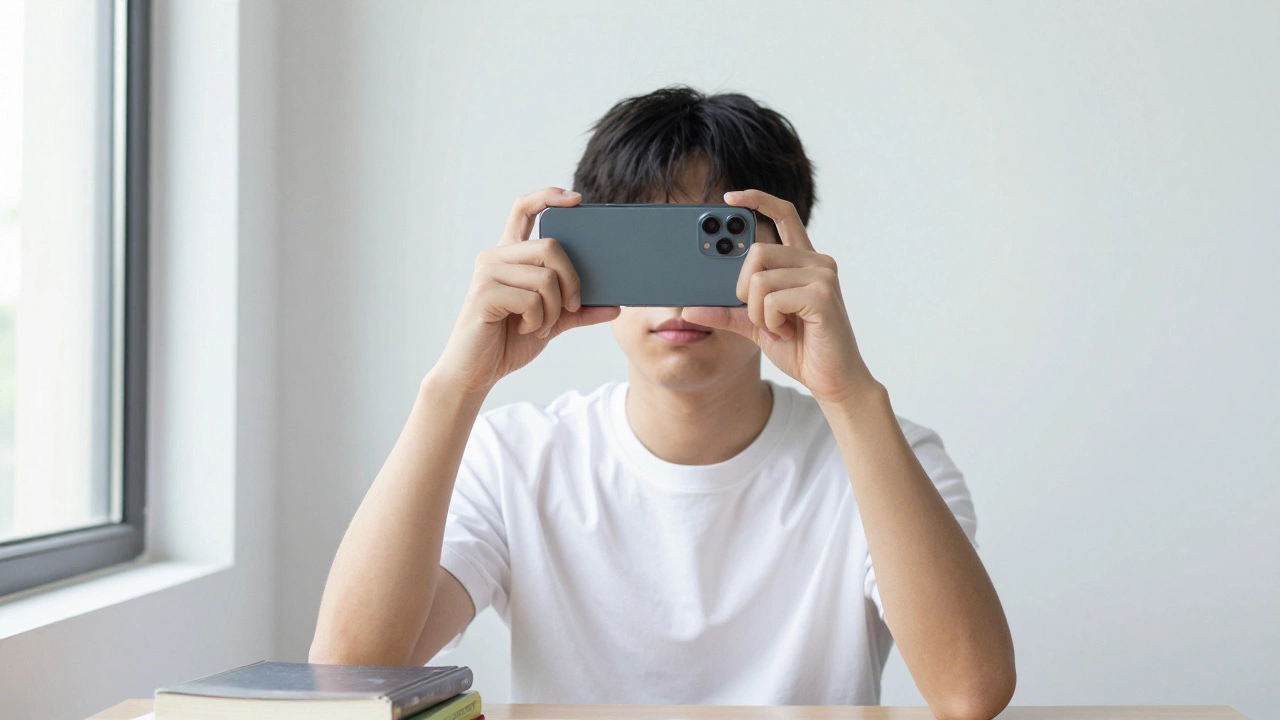
Make a perfect 2x2 passport photo on your phone for free using just a white wall and a free online tool. No studio, no cost, no hassle. Follow these steps to avoid rejection.
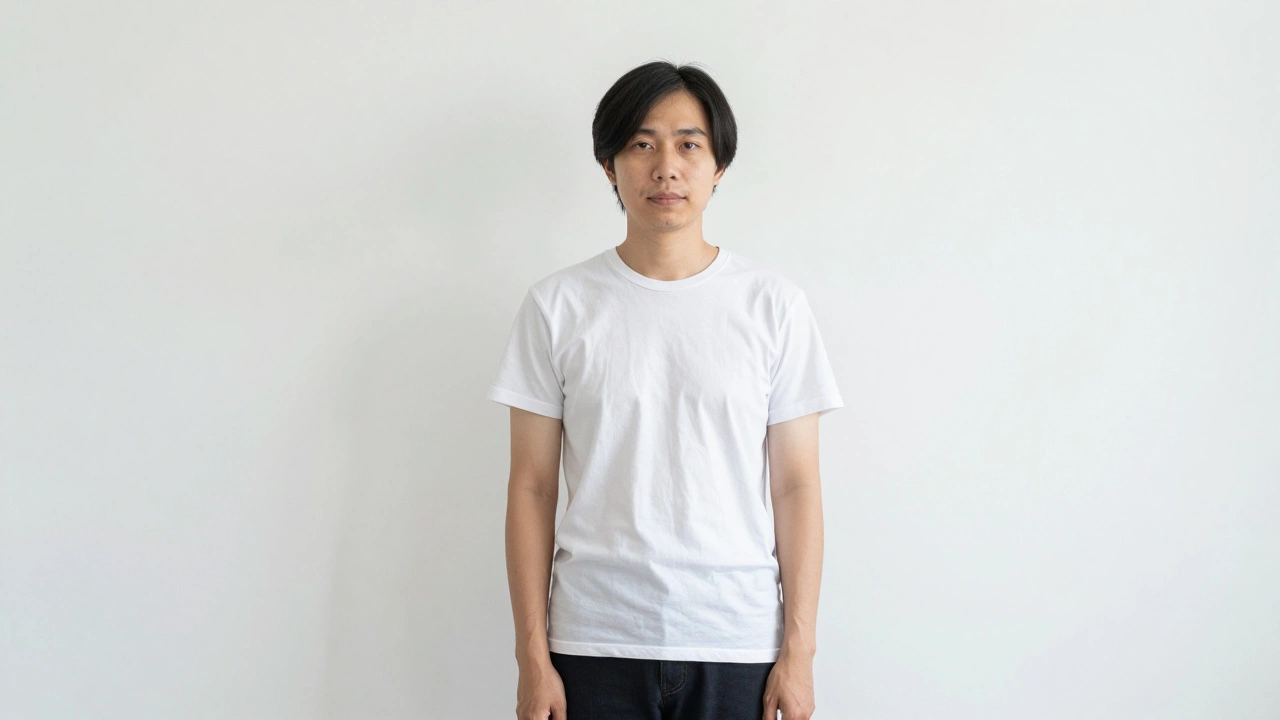
Learn exactly what’s not allowed in a passport photo-from hats and glasses to shadows and filters. Avoid common mistakes that cause rejections and ensure your photo passes on the first try.
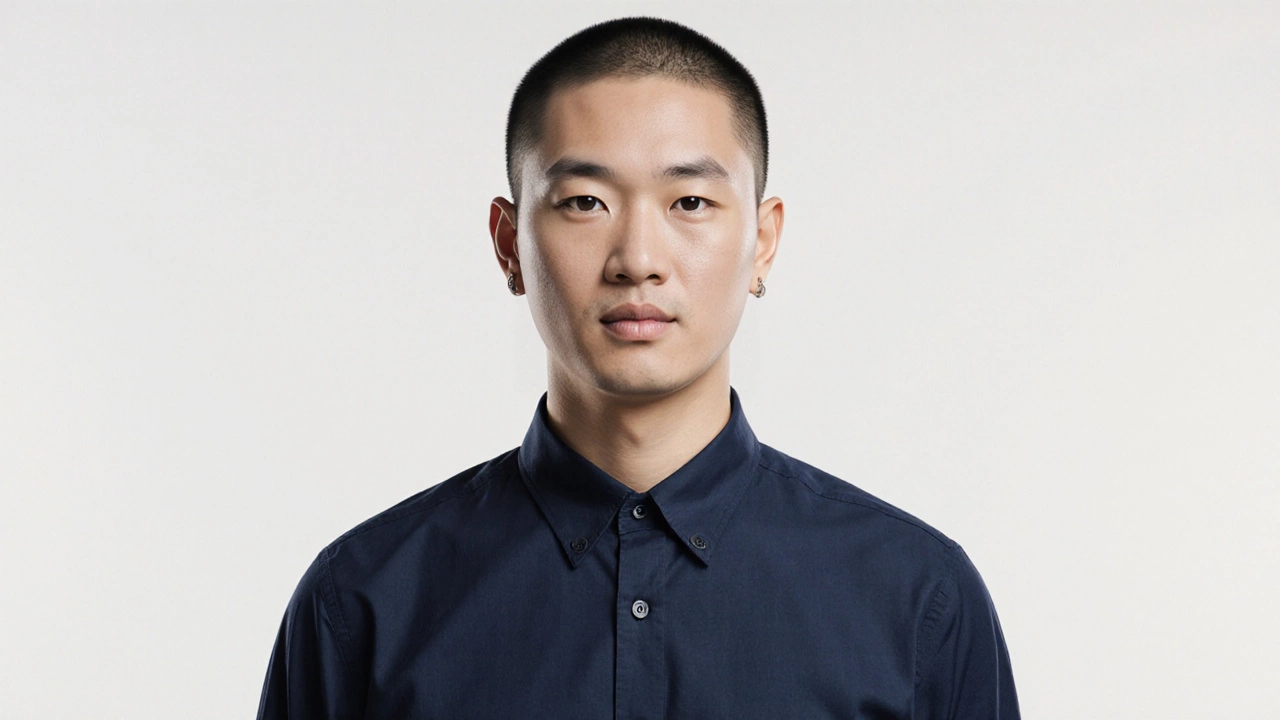
Learn the best colors to wear for a passport photo in 2025 to avoid rejection. Dark blue, black, and dark gray are safest. Avoid white, red, and patterns. Follow UK Home Office rules for online and studio photos.
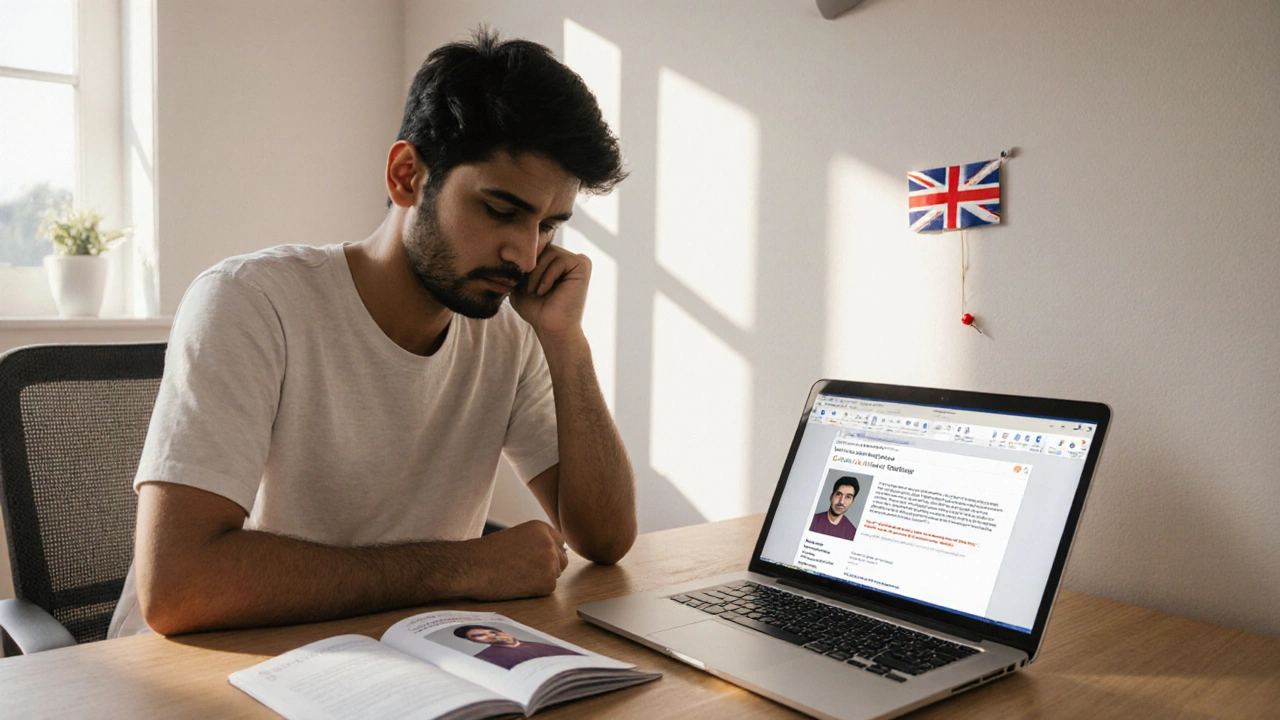
Learn the exact reasons passport photos get rejected, how to fix common mistakes, and use a checklist to ensure your UK passport image meets every requirement.
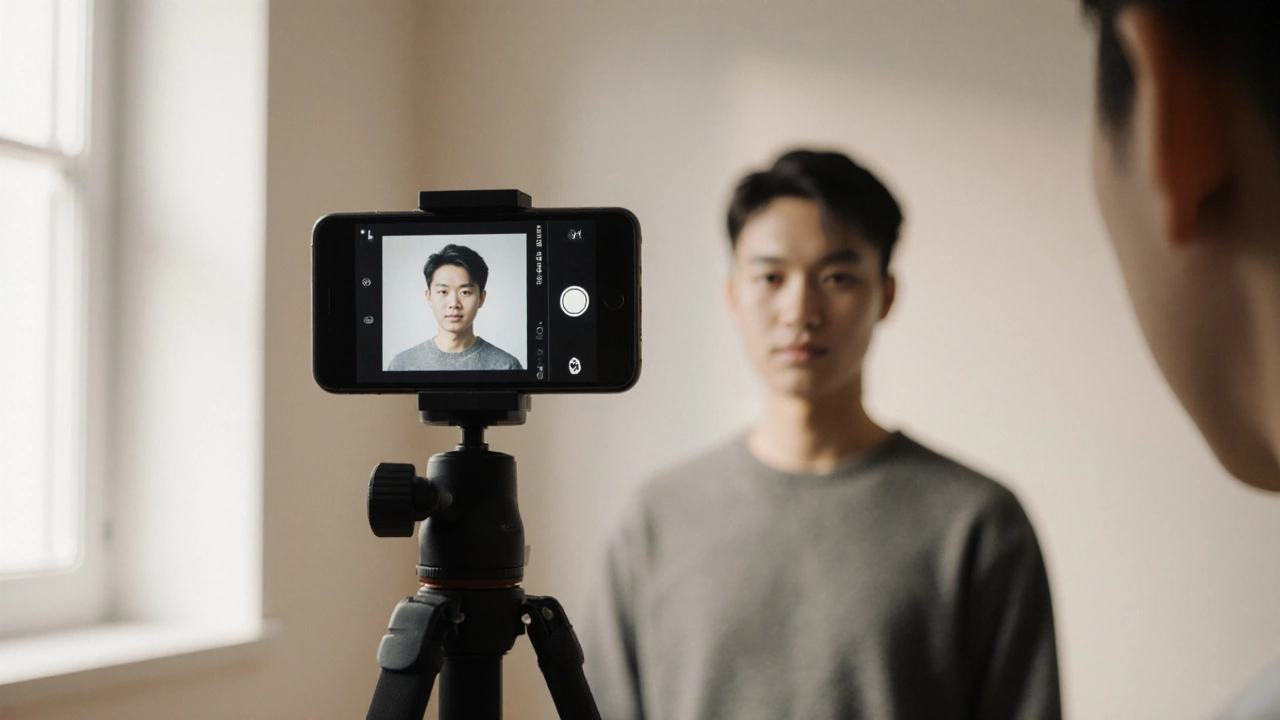
Learn how to take a government‑compliant 2x2 passport photo with your smartphone, from camera settings and lighting tips to editing apps, printing options, and a final checklist.
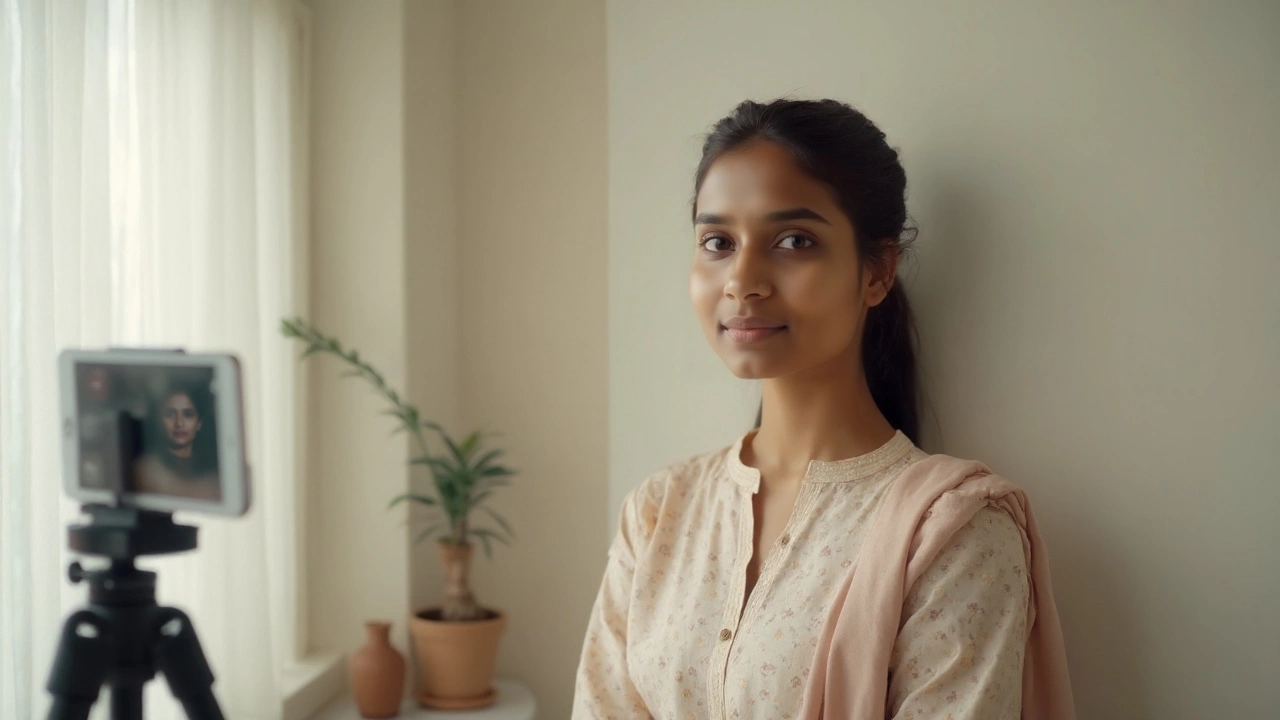
Yes, a phone photo can work for passports-if your country allows it and you do it right. See 2025 rules, step-by-step how-tos, specs, pitfalls, and a quick country guide.